

Alliance Multi-Account: What It Is and How It Differs from a Personal Empire
Alliance Multi-Account: What It Is and How It Differs from a Personal Empire
In War for Galaxy, a regular account is easiest to perceive as the player's personal empire. You decide which planets to develop, where to invest titanium, silicon, and antimatter, which fleet to build, when to attack neighbors, and how to defend your colonies. This is a familiar cycle for everyone who loves space games, browser strategies, and online strategy games: mining, construction, research, ships, battles, and gradual strengthening of your own sector.
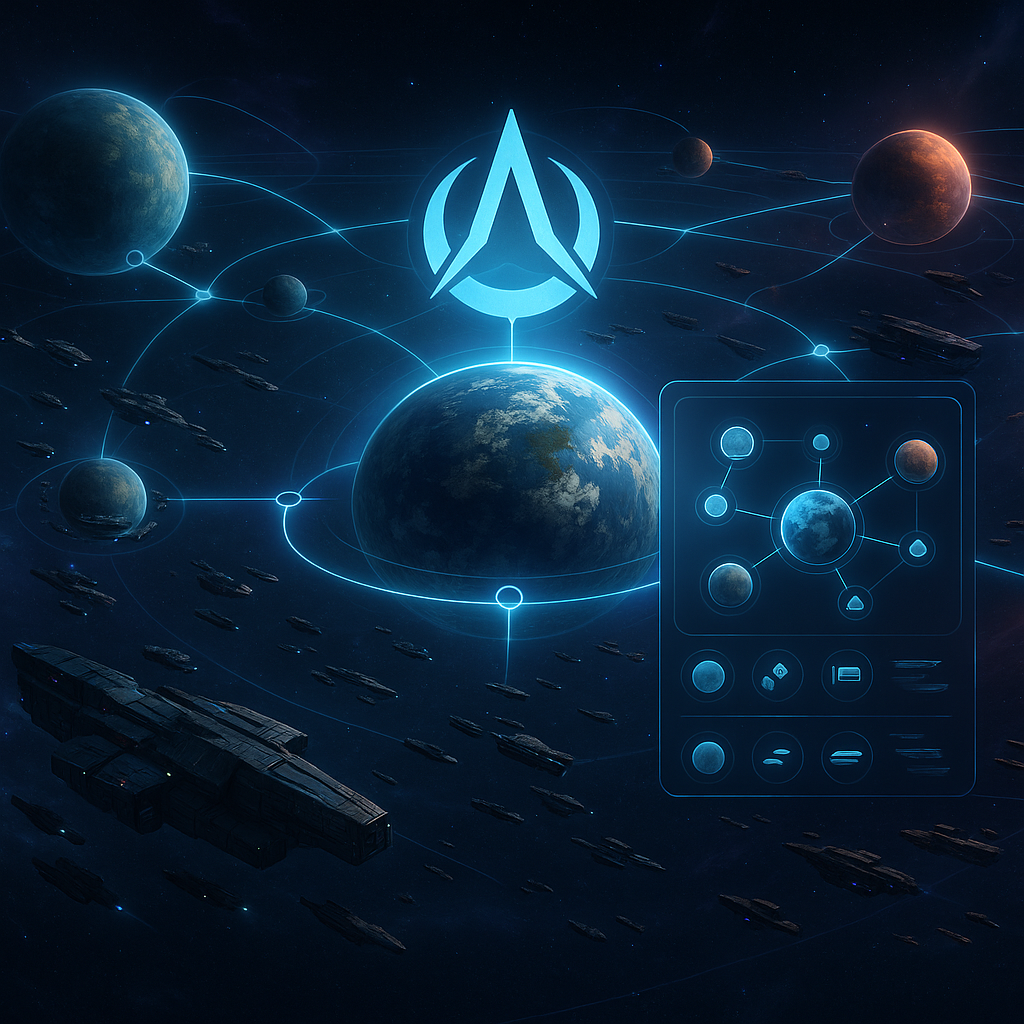
But the War for Galaxy Alliance operates under a different logic. It is not just a chat, common tag, or list of allies. An alliance is a union of players creating a shared alliance multi-account to capture and control territories in the galaxy. While a personal empire is your own cosmic home, an alliance is a joint headquarters, front, and sphere of influence.
It's important to immediately distinguish the concepts: an alliance multi-account is not a "second personal account" nor a way to circumvent development rules. It is a special shared tool provided by the game mechanics. It is intended for alliance planets, wars with other alliances, holding systems, and fighting for the map. Here War for Galaxy starts to feel not only like a galaxy game about planet development but also like a space MMO games campaign, where individual cosmic battles form a long territorial war.
Understanding this difference is especially important for players who have already mastered personal development and wish to move to collective strategy: joint attacks, defending allies, controlling systems, and planning the front. You can start on the official War for Galaxy page or immediately open the web version of the game in your browser.
What Is an Alliance and How the Shared Multi-Account Emerges
An alliance in War for Galaxy is a collective military and territorial structure. It gets a shared alliance multi-account available for alliance members. Through it, the group acquires alliance planets, expands influence, wages wars, and controls planetary systems.
Under new rules, creating an alliance requires 1 Pathfinder. Creation is immediately tied to a specific free spot on the map because the future alliance appears by developing an empty planet. This makes the initial coordinate not a mere formality but the group's starting foothold.
The creation procedure looks like this:
- Open the "Alliance" window.
- Select the "Create" action.
- Enter the Alliance name.
- Enter the coordinates of an empty planet.
- Press "Create" — after this, a Pathfinder ship will launch from the active planet.
The alliance isn't created immediately upon clicking; it happens when the Pathfinder reaches its destination. While the ship is in flight, the process is not complete. Upon arrival, the alliance appears and access to the shared alliance structure opens.
Alliance planets on the map are marked distinctly and differ from regular player planets. This is an important visual cue: you are looking at alliance ownership through the shared multi-account, not part of an individual player's personal empire.
After creation, expansion can continue. To capture an empty planet specifically for the alliance, you must be in the multi-account and send a Pathfinder to the free planet with the mission "Colonization". After fleet arrival, the planet becomes property of the alliance multi-account rather than the individual participant's account.
What Members Can Do Through the Alliance Multi-Account
The alliance multi-account is a working team tool. It is used by all alliance members and allows acting on the map as a unified force: capturing empty planets, fighting wars with other alliances, and helping control planetary systems.
In your personal empire, you develop your own mines, technologies, fleet, and defenses. In the alliance, the focus shifts: you need to hold a sector, prepare a bridgehead, assemble a striking force, protect common holdings, and prevent neighbors from settling disputed systems. Thus, the multi-account is closer to a command headquarters in strategy games and real-time strategy games than to a regular solo-development account.
How a Personal Account Assists the Alliance
A regular player can interact with their alliance's planets in two main ways:
- "Transport" — send a fleet to an alliance planet to deliver resources. This helps build infrastructure, support defenses, and prepare new positions.
- "Relocation" — send ships to an alliance planet to transfer their ownership to the alliance multi-account. After arrival, it is no longer the player's personal fleet but part of the alliance's collective forces.
This forms the collective economy of the front. One member covers resource shortages, another strengthens the overall fleet, a third helps coordinate attacks and defend key points. For games about spaceships and space battles, this is fundamental: victory belongs not to the lone player who built a fleet alone, but to those who can assemble team contributions in the right system at the right time.
However, the mechanism has strict limits. The multi-account can only receive ships: moving them from the multi-account back to regular player planets is not possible. So do not view it as a ship bank from which you can withdraw. Transferring troops to another regular player is not possible; if it concerns transferring ships within the alliance, it specifically means transferring ownership to the alliance multi-account.
A regular account can send a standard attack to a planet belonging to another alliance. This will be a normal battle with possible looting according to attack rules, but planet ownership does not change. Capturing alliance planets is the responsibility of multi-accounts, not personal empires.
Multi-Account Limitations: Why It's Not a Personal Empire
The main mistake of newcomers is to open an alliance multi-account expecting it to behave like a regular account. In War for Galaxy, it is not a spare capital, not an additional personal economy, nor a comfortable dashboard for daily bonuses. It is a tool for war and territory control.
| Player's Personal Empire | Alliance Multi-Account |
|---|---|
| There is a main planet around which account development is structured. | No main planet. This is not a standard player empire. |
| Colonies can be abandoned per regular account rules. | Planets cannot be deleted. Alliance planets are part of the common war map. |
| Personal development elements and interface are available. | Missions, Store, Profile, and Reward Calendar are inaccessible. |
| The player can interact with pirates within the normal gameplay cycle. | Cannot attack pirates. Attempting results in an error: "Alliance Code prohibits attacks on Pirates." |
| Regular active planet participates in standard PvE environment. | Multi-account does not influence pirate spawn, and Marauders do not appear. |
| The player manages reports within a regular account. | Reports cannot be deleted. |
| The "Navigation" technology grants a standard fleet slot bonus: +1. | "Navigation" bonus is higher: +2 fleet slots instead of +1. |
Also, the multi-account lacks free Hermes tokens. Therefore, do not enter it expecting usual personal functions: calendar, store, profile, PvE activities, or rewards. Its purpose is different: to hold alliance planets, facilitate war, and engage in map struggle.
These restrictions are intentional. They emphasize that the multi-account is designed for territorial war, not the standard personal development cycle. It has curtailed personal capabilities but operates where a solo empire cannot change system ownership.
Remember the other side: a regular player cannot completely destroy or capture another player's personal planet. A victorious attack can destroy ships and defenses and loot half the planet's resources, but the planet itself does not become yours. In War for Galaxy, standard raids and alliance captures are different mechanics.
Territory Capture, Alliance Wars, and Ranking
Wars between alliances in War for Galaxy are not just "flew in, destroyed the fleet, took resources." The main stake is the map. Planetary systems, alliance planets, neighboring territories, and rankings turn separate space combat game battles into a full campaign, familiar to fans of browser strategy games and online strategies.
How an Alliance Gains System Control
The basic rule is simple: An alliance owns a planetary system if its alliance account holds at least one planet within it. If multiple alliance accounts have planets in the same system, the owner is the alliance with the most captured planets there. If the count is equal, the system belongs to no one.
Because of this, one more planet in a contested system can be more valuable than a series of random raids. Controlling territory provides not just one-time gain but a position on the map: a pressure point, defense, and further expansion.
Who Can Capture Alliance Planets
The key rule: only alliance multi-accounts can capture planets, and only from other alliances. Personal empires cannot change ownership of alliance planets, even if the attack is successful. Attacking an alliance planet with a regular account results in a standard attack with looting, but ownership remains unchanged.
To capture a planet from another multi-account:
- Switch to the alliance multi-account.
- Select a planet belonging to another alliance multi-account.
- Send a fleet for a standard attack mission.
If the attacking multi-account wins, the planet transfers to the attacking alliance. All buildings, defenses, and infrastructure become the new owner's property, and the alliance rating increases by the captured planet's value. The attacking organizer's fleet remains on the captured planet, and all joined fleets return to their start planets.
If the defender wins, the attacking fleet is destroyed, and ownership does not change. Capture is always risky: misjudging defenses may cost ships and campaign momentum.
How Multi-Account Rating Is Calculated
The overall rating of an alliance multi-account depends on the total value of all buildings, ships, and defenses it owns. Capturing a developed planet boosts the attacker's alliance rating points, while losing such a planet deducts points from the previous owner. This makes territorial war especially impactful: victories change not only the map but the overall alliance strength.
Why Hold Neighboring Systems
Another reason to fight for the map is the synergy bonus of neighboring systems. It applies locally only to multi-account planets in connected neighboring systems. Thus, it's not random scattered holdings but contiguous clusters that matter.
- Controlling 3 neighboring systems grants +1.5% to titanium, silicon, and antimatter mining.
- Each additional connected system adds +0.5% to mining of the same resources.
- The maximum base bonus via this mechanic is 50%.
This explains why strong alliances fight not only for single coordinates but for clusters. Connected territories sustain the front, the front holds the territory, and territory raises the rating. The alliance multi-account transforms War for Galaxy from a solo development race into a team conflict over the galaxy.
Practical Takeaways: When to Join an Alliance and How to Avoid Mistakes
You should join an alliance when you feel cramped within a single personal empire. If you want not just to accumulate a fleet and raid neighbors but to participate in alliance wars, hold systems, support shared planets, and defend group interests, the multi-account becomes your main tool for such gameplay.
A brief checklist: it’s time for you to join an alliance if you want to engage in collective attacks, help control the map, deliver resources to alliance planets via "Transport", transfer ships to alliance ownership via "Relocation", and play from coordination instead of just personal development.
Remember the main novice mistakes:
- Expecting the multi-account to have personal account functions — Missions, Store, Profile, and Reward Calendar are unavailable;
- Trying to attack pirates using the multi-account;
- Thinking a regular account's attack captures an alliance planet;
- Expecting to withdraw ships back from the multi-account to regular player planets.
Also, consider activity of alliance leadership. If the alliance leader has been offline for seven or more days, a random active player becomes leader. If all members are inactive for seven or more days, leadership remains unchanged. For an active alliance, this is critical: without active command, territorial war quickly loses momentum.
Want to feel War for Galaxy as a true war for the galaxy? Develop your personal empire, find an alliance, invest in the common front, and learn to play on a map level. Visit the official Russian War for Galaxy page, open the web version, or select installation on the download page — and begin your journey from a lone colony to the fight for territorial supremacy.