

Resource Exchange in War for Galaxy: How to Trade Without Losing 5% of Your Deposit
Resource Exchange in War for Galaxy: How to Trade Without Losing 5% of Your Deposit
In an ideal galaxy, every planet always has exactly the right amount of titanium, silicon, and antimatter needed at the moment. In a real War for Galaxy match, things are different: one colony's warehouses are filled with titanium, another's production is hindered by lack of silicon, and antimatter is suddenly needed for fuel, the fleet, or the next development step. Therefore, the War for Galaxy resource exchange is not just a secondary button in the interface but one of the player's main economic tools.
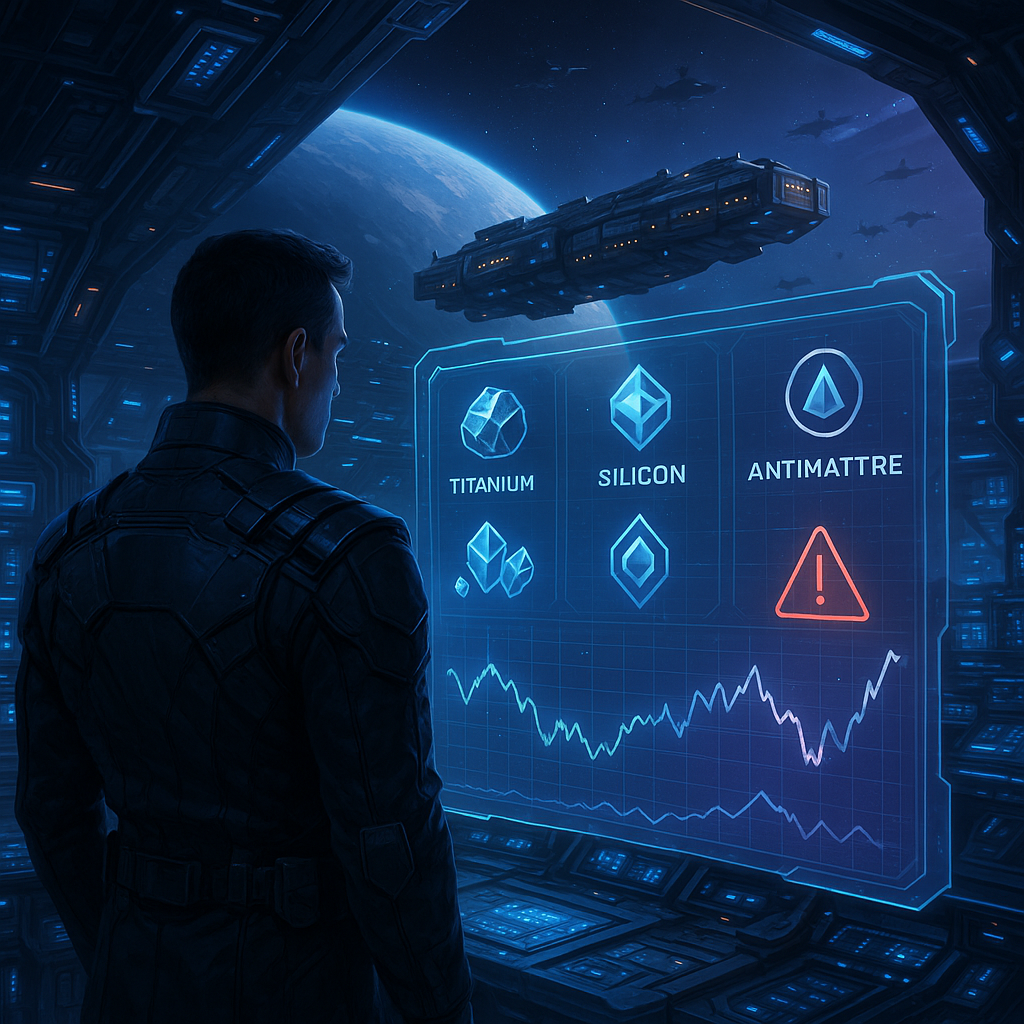
The Exchange is a marketplace where players trade three resources: titanium, silicon, and antimatter. All transactions happen instantly: if your lot is purchased, the exchange does not drag on with transport flights and fleet arrivals. This is especially important in a space online strategy; sometimes quick trading decides whether you can start construction, cover shortages, or prepare a planet for the next phase.
But the Exchange is not a "get benefit without risk" button. The main pitfall for beginners and overconfident traders is the 5% insurance deposit. If you list a lot at an inflated price, forget the timer, or cancel a pending offer, you can lose part of the posted volume. So the question is not just how to trade resources, but how to do it disciplinarily: reading the market, accounting for limits, not confusing commission with deposit, and not leaving disputed lots unattended.
War for Galaxy is a galaxy game at the intersection of space games, browser strategy games, and online strategy games, where economy is as important as fleet, alliances, and space battles. This guide will cover the Exchange rules and provide a practical checklist to help trade titanium, silicon, and antimatter without unnecessary losses. You can start playing and test the mechanics at the official Russian-language War for Galaxy website.
Basic Rules of the Exchange: Lot, Commission, and Insurance Deposit
The main trading unit on the Exchange is a lot. You select a planet, the resource you want to give, and the resource you want to receive. After listing, the offer becomes available to other players, and the deal completes instantly upon purchase. It sounds simple, but details often cause unnecessary 5% losses.
The first restriction: only one active lot per planet. If you've already listed titanium from this planet, you cannot create a second lot with silicon or antimatter from the same planet until the first is bought, cancelled, or expires. The second important restriction concerns safety: you cannot list a lot if the planet is under attack. The Exchange should not be a way to quickly hide resources right before enemy fleet arrival.
Meanwhile, resources already listed on the Exchange are immediately locked and protected from raids. They cannot be spent on construction, ships, or other tasks, but attackers cannot take them. This is a useful feature, but treating the Exchange as a free safe is risky. The lot lives by market rules: if the price is poor and no buyer comes, the insurance deposit risk kicks in.
- Minimum lot amount — 5,000 units of a resource.
- Maximum lot amount — 60,000,000 units; importantly, the maximum is measured not just by resource quantity but by conditional value.
- Lot lifetime — 24 hours.
- You cannot buy your own lot, even if trying from another own planet.
It’s important to distinguish two similar but different payments: the buyer’s commission and the seller’s insurance deposit. When another player buys your lot, the buyer pays a 5% commission. The seller receives exactly the amount specified in the lot. So a successful sale does not reduce your expected revenue by an additional penalty on the seller's part.
The insurance deposit works differently. It concerns the seller if the lot doesn’t reach a normal sale. You can manually cancel a lot, but doing so costs the seller 5% of the listed volume as an insurance deposit. The same applies if the offer isn’t bought within 24 hours: the lot is automatically removed from trading and the deposit is not returned. The practical rule is simple: list only the volume you’re ready to freeze for up to a day and only at a rate that realistically can attract a buyer.
How to Read the Market: Rates, Trends, and 24-Hour Graph
Good trading starts not with the "list" button but by reviewing the market. The Exchange interface shows all active lots of other players, grouped by resource. This allows you to quickly understand the competition density for titanium, silicon, or antimatter. If many similar offers with better prices exist, your lot may remain until the timer expires. If there are few offers, there is no need to immediately lower prices — maybe the market will accept a rate more favorable for you.
The next guide is current market rates. The Exchange shows not only the rate but also the trend: up or down. On a falling market, a greedy price is especially dangerous: while you wait for a buyer, more attractive offers can appear nearby and your lot will remain ignored. If the trend is up, you can act more calmly and not reduce the price unnecessarily, but still remember the 24 hours.
The third tool is the price change graph for the last 24 hours. It helps distinguish real market movements from occasional spikes. In dynamic online strategy and browser strategy games, the price "last evening" and "now" can differ, and a single unusual offer does not always indicate a new stable rate. The graph helps avoid decisions based on one visual impression.
Before listing a lot, ask yourself three questions. Are there similar active offers? In which direction is the trend? Will my lot be bought within 24 hours? A desirable rate is worthless if the offer gets stuck and ends with a deposit loss. Also don’t forget your planet list in the Exchange interface: indicators of active lots and timers show there. When you have several colonies, this panel helps avoid losing control and forgetting the deal too late.
Checklist Before Listing a Lot: How Not to Gift the Market 5%
Before posting resources on the market, pause for a moment. The system will automatically check some technical conditions: whether the planet has enough resources, whether there is place for incoming resources, and compliance with minimum 5,000 units and maximum 60 million unit limits. But the system won’t decide for you the main question — how reasonable the price, timing, and risk of waiting are.
- Make sure the resource is really in surplus. Don’t sell titanium, silicon, or antimatter that will soon be needed on this planet. Once listed, the resource is locked and cancelling the lot costs you 5% of the posted volume.
- Compare the rate with active offers. Buyers choose the most advantageous option. If your lot is worse than nearby offers, it might remain unsold.
- Decide what matters more: speed or profit. Want a quick sale — set a rate below market. Want maximum profit — be ready to wait and monitor the timer. This is not a guarantee of sale but a choice between speed and risk.
- Check resource reserves on the planet. The system won’t allow listing more than available, but better select a planet where that volume is not critical for upcoming tasks.
- Check space for incoming resources. If warehouses are near capacity, trading can be limited not by the market but by storage. The system checks capacity, but planning is up to the player.
- Consider the lot limits. Minimum — 5,000 units resource, maximum — 60,000,000 units in conditional value. Especially cautious with large deals: the upper limit is not simply measured in resource units.
- Don’t post disputed lots before long offline periods. A lot listed "overnight" is safer only if the rate is adequate and you accept the risk. If the price is borderline, return might begin with a removal warning at timer end.
- Watch the timer. 24 hours may seem long, but markets change fast. If the lot isn’t purchased, have a plan: wait longer or consciously cancel and accept a 5% loss.
The main idea of the checklist: the War for Galaxy resource exchange rewards not the greediest but the most attentive. Demand depends on active lots and current market conditions, so sale is never guaranteed. The better you check rate, limits, warehouses, and timer, the less chance you have to gift the market 5% through carelessness.
Operation History and Common Player Mistakes
After each operation with your lot on the Exchange, a message appears in the "Notifications" section. You can open it by clicking the image of the Operator in the lower left corner. This is no secondary tab: notifications are the only source of information about your lot’s fate.
If the lot is purchased, the message indicates that your lot from a planet with the specific name and coordinates was bought. It also shows the sent and received resources: what left the planet and what you got in return. If the lot expired, the notification says time ran out and reflects the lost insurance deposit.
The most common mistake is forgetting that after 24 hours unsold lots are automatically removed and the deposit is not returned. The second frequent error is confusing the 5% buyer’s commission with the 5% seller’s insurance deposit. A successful purchase means the buyer pays commission and the seller receives the listed amount. But with manual cancellation or expiration, the seller loses 5% of the listed volume.
Other typical errors include: listing higher than market rates and leaving timer unchecked; selling resources from a planet where they will soon be needed; forgetting the one-lot-per-planet limit; trying to buy your own lot from another planet; using the Exchange as a "safe" from raids and ignoring trading risk. Yes, resources in lots are safe from raids, but the market isn’t obligated to buy a bad price, and timers do not stop.
Final Strategy: When to Sell Quick and When to Wait
The War for Galaxy resource exchange is useful only with discipline. Keep a simple model of three scenarios.
- Quick exchange. If you need resources urgently, you usually set a rate below market. You sacrifice some profit but reduce the risk that the lot stays stuck for 24 hours.
- Cautious sale. List the lot close to market rate, check limits, space for incoming resources, and timer. This is good when you don’t urgently need to sell but want to avoid a 5% deposit loss.
- Risky maximization. If you want maximum profit, be prepared to wait. A high rate may work if demand fits, but the main seller’s risk remains: cancellation or expiration leads to losing 5% of your insurance deposit.
The economy in War for Galaxy is as much part of strategy as fleet building, alliance participation, and space battles. A strong player in strategy games not only builds ships but also avoids wasting resources on failed lots. Before every deal, check the market, trend, 24-hour graph, limits, warehouses, and timer — and the Exchange will become a development tool, not a source of frustrating losses.
Ready to apply the checklist in practice? Visit the official War for Galaxy website, open the browser version of the game, and check current rates before your next lot. If you prefer, use the official War for Galaxy download page for device play. Trade carefully and let your resources work for the empire, not disappear as deposits.