

Resource Exchange: How to Trade Titanium, Silicon, and Antimatter Without Unnecessary Losses
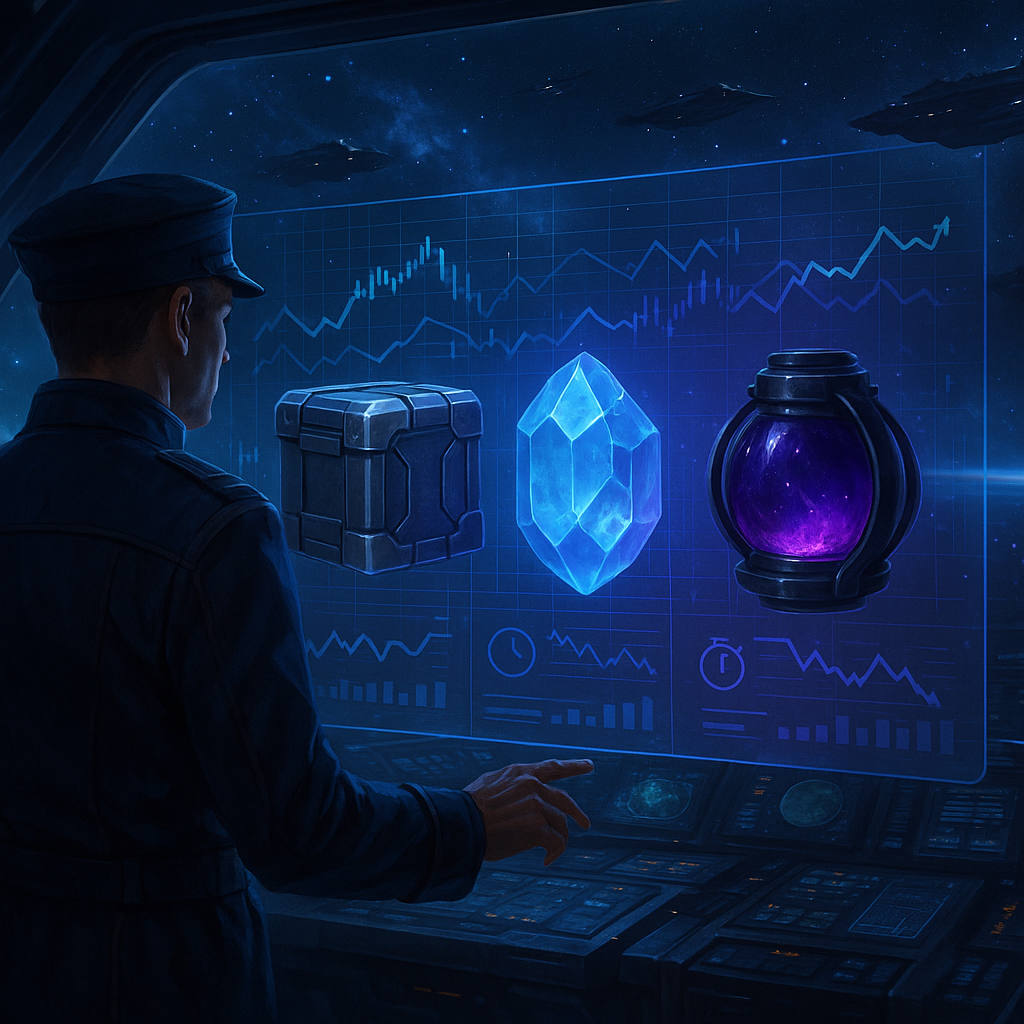
Resource Exchange: How to Trade Titanium, Silicon, and Antimatter Without Unnecessary Losses
Imagine a typical situation in War for Galaxy: one planet's storage is overflowing with titanium, but you urgently need silicon for your next building, research, or fleet preparation. Or vice versa — you have silicon, but lack antimatter, which is slowing down your development. At such moments, the War for Galaxy Resource Exchange becomes not just a secondary button in the interface but one of the main economic tools of your empire.
The Exchange is a trading platform where players swap three resources: titanium, silicon, and antimatter. The mechanic is simple: one player lists a lot with the resource to sell and specifies which resource they want in return; another player buys this lot, and the exchange happens instantly. Important feature: all trades on the Exchange occur immediately. This is not transportation between planets or a fleet with flight time; it's a fast market exchange via the game's official mechanics.
For a space online strategy, this is particularly important. War for Galaxy combines economy, planet management, fleets, research, and space battles, so the pace of development depends not only on military strength. In good browser strategy games and real-time strategy games, the market becomes part of the overall strategy: sometimes a proper exchange of titanium for silicon speeds up development more than another hastily built ship.
However, the Exchange is not a button for guaranteed profit. The market depends on active lots and player behavior: someone urgently sells surplus, someone buys a rare resource ahead of an active game session, someone waits for a better rate. Therefore, this guide is not about "secret schemes" but discipline: how to read the interface, list lots, consider commissions, remember the 24-hour timer, check notifications, and avoid losing 5% where losses could have been prevented.
How the Exchange Works: Lots, Resources, Rates, and Interface
Only three resources participate in trading: titanium, silicon, and antimatter. When creating a lot, you choose the planet, the resource you give, and the resource you want to receive. For example, if a colony has accumulated titanium but development is stuck waiting for silicon, you list titanium for sale and set a desired amount of silicon. Once another player buys it, the transaction completes instantly: the seller gets the specified resource, and the buyer receives the offered amount.
Before a trade, it's important not to settle for the first lot you see. The Exchange interface shows the market from several perspectives:
- all active lots from other players, grouped by resource;
- current market rates indicating upward or downward trends;
- price change chart for the last 24 hours;
- your planets list with indicators of active lots and timers.
These elements are not just for aesthetics. Active lots show what you compete with as a seller and what you can buy as a buyer. Current rates help understand the overall exchange price, trends hint at market direction, and the 24-hour chart helps distinguish a short spike from a sustained change. If a rate rises, the resource may be in demand, but the deal becomes more expensive for buyers. If the rate falls, sellers should be cautious to price their lot so it doesn't get stuck.
Your planets list is especially useful for players with multiple colonies. A lot is created from a specific planet, and the interface shows where there is already an active offer and how much time it has left. This reduces the risk of forgetting about a lot while you handle fleets, construction, or other economic tasks.
When listing a lot, the system automatically checks three conditions. First: does the chosen planet have enough of the resource for sale? Second: is there space available for the resources you want to receive? Third: are the deal limits observed — a minimum of 5,000 resource units and a maximum equivalent of 60,000,000 units? Note: the upper limit is stated in terms of conditional value, not as 60 million units of a specific resource.
Trading Rules: Limits, Commission, Lot Lifespan, and Security Deposit
To trade without unnecessary losses, you need to understand the strict Exchange rules in advance. Most unpleasant situations arise not because the mechanics are complex, but because the player hurried when listing lots: didn't check the rate, forgot about the timer, made resource mistakes, or changed their mind and canceled manually.
Only one active lot per planet is allowed. If you want to trade from several colonies, plan each planet separately. Also, you cannot list a lot if the planet is under attack. The Exchange does not work as an emergency button to hide resources when a threat is incoming.
Another important limitation: you cannot buy your own lot, even if you try from another one of your planets. The Exchange is designed for player-to-player resources swapping, not for moving your own resources through the market.
The commission is straightforward: when buying a lot, the buyer pays 5% commission. The seller receives exactly the amount specified as the desired resource. Therefore, buyers must consider not only the visible rate but also the final deal cost including commission. If resources are tight on the planet for construction, research, or fleet, these 5% might be an unpleasant surprise.
Each lot lives for 24 hours. Within this time, it is either bought or automatically removed from the market. You can cancel a lot manually, but this is not a free "changed my mind" button: canceling costs the player 5% of the listed amount as a security deposit. If not bought within 24 hours, the lot is removed automatically, and the deposit is also lost.
There is also a protective feature: resources listed on the Exchange are immediately blocked and protected from theft. This is good to know, but don't treat the Exchange as a "risk-free storage." Lots are limited by time, only one active per planet, and canceling or expiry costs a deposit. So only list resources when the deal has a clear purpose.
Operations History: Where to Find Notifications and Track Your Lot
There is no separate "trade book" on the Exchange. History of your lots is recorded via system messages in the Notifications section. This is important for control: if you listed resources and then switched to other planets, notifications will show what happened to your lot.
You receive a message after every operation with your lot. These include:
- lot bought by another player;
- manual lot cancellation;
- lot expiration.
To open the Notifications section, click on the Radio Operator icon in the lower-left corner of the screen. There you will find messages about the fate of your market offers.
If your lot was bought, the notification reads: "Your LOT on planet [Name] [X:Y:Z] has been purchased". It shows the sold and desired resources: what was deducted and what was credited in the deal. Planet name and coordinates help quickly understand where the transaction occurred, especially if you trade from multiple colonies.
If the lot expired, the message will be: "Your LOT on planet [Name] [X:Y:Z] has been removed from trading. Time expired". Such a notification also shows the loss of the security deposit. This signals that the market rejected your price or volume within 24 hours.
Notifications are the only source of information about your lot's fate. After trading, don't rely only on memory or approximate storage changes. Open the Radio Operator and check whether your lot was sold, canceled, or expired.
How to Trade Without Unnecessary Losses: Practical Scenarios
There is no universal "correct" exchange rate for titanium, silicon, and antimatter on the Exchange. Exact values depend on active lots, demand, and player behavior. So start not with "what is the best rate?" but with "why do I want this trade?"
If You Need to Sell Quickly
The official advice is simple: to sell quickly — set your rate below market price. This doesn’t guarantee instant purchase but makes your lot noticeably attractive to those currently looking for your resource. If speed is key, your offer must be beneficial for buyers at first glance. An "almost market price" lot usually doesn't work for urgent sales.
If You Want Maximum Profit
The second official advice: to maximize profit — be prepared to wait. A higher seller rate may work if the market changes, competing lots are taken, or another player faces a sharp shortage. But waiting has a cost: lots only last 24 hours. If not bought, they are removed automatically, and the deposit isn't returned.
Therefore, the strategy "I'll list way above market and see if someone buys" is risky. In online strategy and space MMO games, the market is part of the strategy, not a separate casino. An aggressive rate only makes sense when you consciously accept the risk of a stuck lot.
If You Need to Redistribute Surplus Resources
When one planet has excess titanium but development requires silicon or antimatter, the Exchange helps convert surplus into needed resources without transport delays. However, before listing, check that you have enough resource on the chosen planet and enough space for incoming resources. The system verifies this automatically, but it’s better not to reach an error at the last minute.
If unsure about the rate, you don’t have to start with the maximum volume. The minimum lot size is 5,000 resource units; use this as a cautious starting point for your first trade if appropriate. This is not a profit guarantee but a way to test the mechanic with lower risk.
If You Want to Avoid Being Stuck for 24 Hours
The less time you have to wait, the closer your rate should be to the actual market, and for quick sales — below market price. A stuck lot is unpleasant twice: resources are locked during trading, and canceling manually costs a 5% deposit. If waiting out the full timer and no buyer appears, after 24 hours the lot is removed and the deposit is lost.
Checklist Before Creating a Lot
- Compare current rates. Look at what others offer, not just how much you want.
- Check the trend. Is the rate going up or down? This affects purchase speed and risk of being stuck.
- Open the last 24-hour chart. It helps distinguish a one-time spike from a steady movement.
- Verify the resource to sell. Make sure the chosen planet has enough titanium, silicon, or antimatter.
- Verify space for incoming resource. If your storage can’t accept the trade, the deal won't complete properly.
- Make sure the planet is not under attack. You cannot list lots from attacked planets.
- Don't overprice without reason. An overly optimistic lot may get stuck and lose the deposit.
- Remember the 5%. Buyer pays 5% commission, seller risks 5% deposit when canceling or when the lot expires.
- Check notifications after your operation. The fate of your lot is logged via the Radio Operator in the lower-left corner.
Common Mistakes on the Exchange
The most frequent losses come from carelessness. Players forget the 24-hour lot life, set rates at the edge of expectations, then lose their deposit. Buyers see suitable offers but don't account for the 5% commission and miscalculate the final cost. Sellers confuse selling and desired resources, especially when quickly switching between titanium, silicon, and antimatter. Some try to buy their own lot from another planet, which is impossible. Others forget only one active lot per planet is allowed. And some look for trade history in the wrong place, though they should check Notifications via the Radio Operator.
The main conclusion is simple: the Exchange benefits disciplined commanders. First, read the market; then choose your trade goal — speed or better rate; then verify planet, volume, storage, and timer; only after that, list your lot. This approach doesn't guarantee profit but helps avoid unnecessary losses and make decisions based on the real market picture.
If you want to put the mechanics into practice, visit War for Galaxy, open the Exchange, examine current rates, trends, and 24-hour chart. If your game situation fits, try a careful small lot starting at the minimum, and be sure to check notifications after the operation. If you are still choosing your game format, visit the War for Galaxy download page: the project combines economy, resource management, fleets, space battles, and empire development — everything space fans love, including spaceship games, space combat games, and browser online strategies about galactic expansion.