

Resource Exchange: How to Trade Titanium, Silicon, and Antimatter Without Mistakes
Resource Exchange: How to Trade Titanium, Silicon, and Antimatter Without Mistakes
A familiar situation for any commander: one colony's storage is full of titanium, another's construction is halted due to lack of silicon, and suddenly antimatter is urgently needed — for development, operations, or preparing for the next big push. At such moments, the War for Galaxy resource exchange stops being just a secondary interface button and becomes a full-fledged tool for managing your empire's economy.
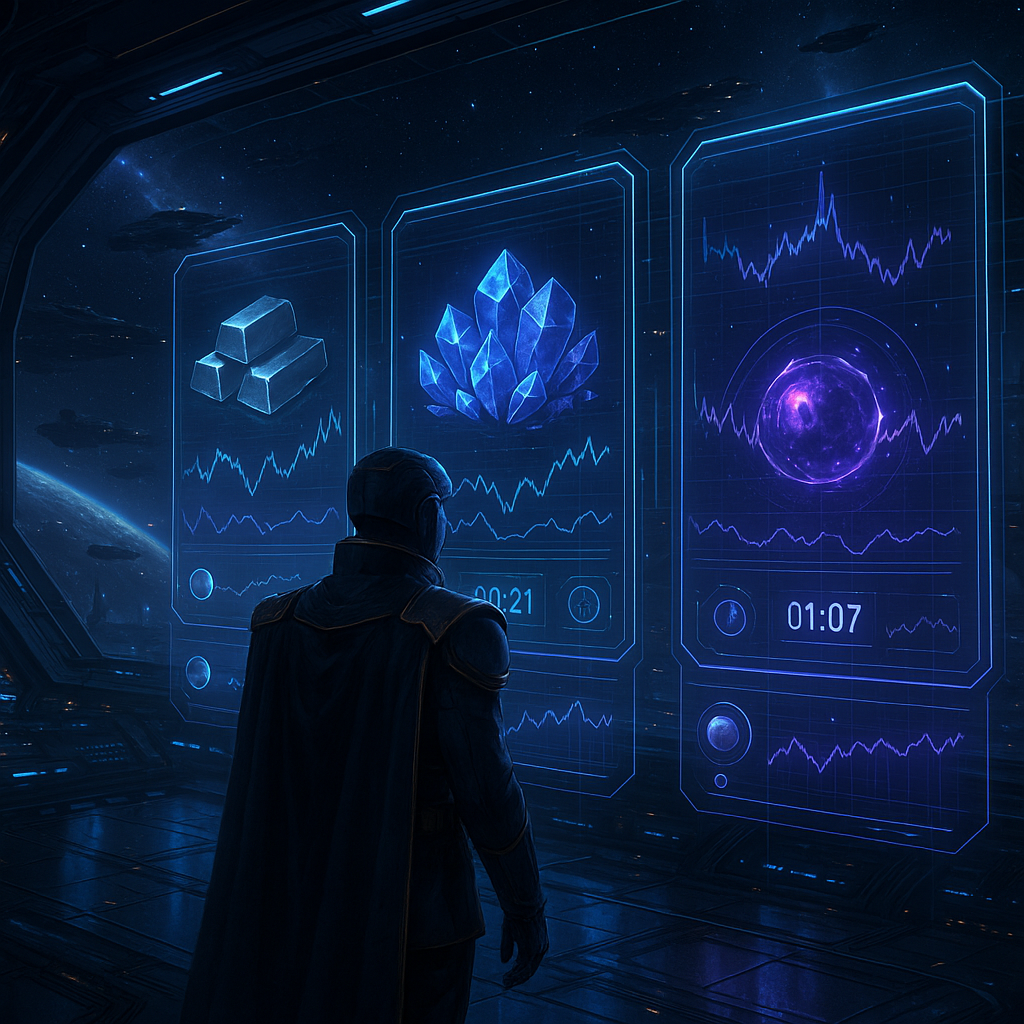
The Exchange is a trading platform where players swap three resources: titanium, silicon, and antimatter. You list one resource and specify which one you want in return, and other commanders see your lot and can buy it. An important feature: all transactions on the Exchange happen instantly. If a lot is purchased, the exchange doesn't drag out with travel times, transportation, or manual agreements.
This mechanic is especially important for War for Galaxy because the game combines economy, planet development, and space battles. It is a galaxy game for those who enjoy space games, browser strategies, online strategies, and classic strategy games, where a strong empire is built not only by fleet but also by smart resource allocation. Today you trade excess titanium for silicon, tomorrow you restructure your reserves for defense, and the day after you seek antimatter for a new development goal.
But the Exchange is not about reckless trading or guaranteed profit. Mistakes here cost resources, time, and sometimes a 5% deposit—when manually canceling a lot or if it remains unsold past expiration. Therefore, below we will analyze the mechanics as a practical checklist: what to check before creating a lot, how to read the interface, where commissions hide, and why a seemingly profitable rate can result in losses.
Main Lot Rules: Planet, Attack, Own Deals, and Locking
Before listing a resource on the Exchange, it is important to remember that trading in War for Galaxy is tied not to an abstract “general warehouse” but to a specific planet. Each colony has its own situation: its own reserves, active lot, timer, and military conditions. Therefore, the first rule of safe trading is to check not only the rate but also the planet you are trading from.
- You can have only one active lot per planet. This limitation applies specifically to the individual planet. If there is already a lot listed from this colony, another one cannot be created. Another of your planets remains a separate economic point with its own lot slot.
- You cannot list a lot if the planet is under attack. If an enemy fleet is already en route to the target, the Exchange will not allow you to quickly transfer resources into trade. This is a key anti-error measure: a lot is not an emergency rescue button after an attack has started.
- You cannot buy your own lot. Even attempts to purchase it from another of your planets will fail. The Exchange is designed for trading between players, not for circumventing internal empire logistics.
- Resources listed on the Exchange are immediately locked. After creating a lot, these resources are no longer free on the planet and cannot be used for normal actions while the lot is active.
- Locked resources in lots are protected from plundering. But the sequence of actions is critical: if the resource is already listed, it is locked; if an attack has already started, a new lot from the planet cannot be created.
These rules are especially important because War for Galaxy combines trading decisions with the military situation. While you choose rates for titanium, silicon, or antimatter, reconnaissance, raids, and full-scale space battles may be occurring in the galaxy. A good trader in such a game watches not only the market but also the orbit: is the planet calm, is there an incoming attack, is there already an active lot, and will you block resources where they are needed for imminent actions.
Limits, Commission, and Lot Lifespan: Where Resources Are Most Often Lost
The financial aspect of the Exchange seems simple, but this is where players most often confuse various mechanics: commission, insurance deposit, limits, and lot lifespan. Let’s break them down separately.
5% Commission: Paid by the Buyer
When buying a lot, a 5% commission is deducted from the buyer. The seller receives exactly the amount specified when creating the lot. This means the seller does not need to mentally subtract commission from the deal amount: if the lot is purchased, they get the declared volume of the desired resource. But buyers should keep a reserve because the actual purchase cost is higher by the commission amount.
Minimum and Maximum: Don’t Confuse Resource Units with Conditional Cost
The minimum lot size is 5,000 units of resource. Smaller amounts of titanium, silicon, or antimatter are not accepted by the Exchange. The upper limit is structured differently: the maximum lot size is 60,000,000 условных единиц (u.e.), meaning the limit is calculated by conditional cost, not simply by number of units of the selected resource. Therefore, large deals should be checked carefully to ensure they comply not only with the planet’s reserves but also with cost limits.
24 Hours: Timer Works Against Greed
Every lot lasts 24 hours. During this time, it can be bought instantly if the offer suits the market. But if the rate is too high or there is no demand in that exchange direction, the lot may remain unsold for the entire duration. If the lot is not purchased within 24 hours, it is automatically removed from the market and the deposit is not refunded.
Canceling a Lot: Possible but Not Free
A lot can be manually canceled before the timer expires, but the player loses 5% of the listed volume as an insurance deposit. Thus, cancellation is not a painless “changed my mind and took it back” but a paid correction of the decision. The practical takeaway is simple: an overly high rate can lead not to profit but to losing 5% after cancellation or after 24-hour expiration. On the Exchange, the winner is not the one who always sets the highest price, but the one who understands the real price at which their lot might be bought under current conditions.
How to Read the Exchange Interface: Rates, Chart, Timers, and the Signal Operator
The Exchange interface provides enough information to avoid blind trading. The main thing is to look not at a single indicator but at the whole market picture.
The screen shows all active lots from other players, grouped by resource. This helps quickly separate offers by titanium, silicon, and antimatter and choose the needed exchange direction. Next to them are displayed current market rates with an indication of trend up or down. The trend does not guarantee future prices but shows where the market has been moving recently.
Separately useful is the price change chart for the last 24 hours. It helps understand if there was a sharp spike, a stable corridor, or a gradual decline. Before creating your own lot, this is especially important: an estimated price can easily turn into a stuck lot, lost time, and risk of deposit.
To monitor your own deals, look at the list of your planets. It shows indicators of active lots and timers. This makes it easier to see which planet already has a lot slot occupied, how much time remains until removal, and where you can place a new offer.
- Player lots show current resource offers.
- Rates and trend help assess market direction.
- 24-hour chart shows recent price dynamics.
- Planet list helps track your active lots and timers.
After any operation on your lot, a message arrives in the "Notifications" section. It can be opened by clicking on the Signal Operator icon in the lower left corner of the screen. Notifications include Exchange events: lot purchased, lot removed by timer, lot manually withdrawn. It is important to remember: notifications are the only source of information about your lot’s fate. If you want to know exactly how a deal ended, check the Signal Operator, not just the planet list.
Safe Trading Checklist: How to List a Lot Without Typical Mistakes
The Exchange in War for Galaxy seems like peaceful economic mechanics but operates in the same galaxy where fleets are built, attacks are launched, and every decision affects the development pace. For real-time strategy games, space MMO games, space-themed games, and spaceship games, this is normal logic: the market is not a separate mini-game but part of a larger strategy. Before clicking the listing button, follow this short protocol:
- Choose the right planet. Make sure there is no active lot on that planet. Remember: one active lot per planet is allowed.
- Check incoming attacks. Lots cannot be listed from planets under attack. Resources already listed are locked and protected from plundering, but new lots cannot be created after an attack starts.
- Do not rely on self-purchase. You cannot buy your own lot, even from another of your planets. For internal transfers, use other available mechanics; keep the Exchange for trading with other players.
- Verify that the resource to be sold is available. When posting a lot, the system automatically checks if the chosen planet has enough titanium, silicon, or antimatter.
- Check space for the resource to be received. The system also checks capacity for the resource you want in return. This is a frequent error: the rate is fine, the lot fits, but the planet's capacity cannot accommodate the incoming resource.
- Compare with limits. Minimum is 5,000 units of resource; maximum is 60,000,000 u.e. by conditional cost.
- Compare the rate with the market. Look at active lots, current rates, trend, and 24-hour chart. Don’t set the price just by feel.
- Decide what matters more to you: speed or maximum profit. Want a quick sale? Set a rate below the market. Want maximum profit? Be ready to wait. But remember, if a lot is stuck, you risk losing 5% deposit on manual cancellation or after 24 hours.
Most common mistakes look banal: listing a lot on a planet with an active lot; forgetting an incoming attack; trying to buy your own lot; ignoring the timer; pricing without regard to trend; neglecting to check capacity for the received resource. Each can be easily prevented by treating a lot like a fleet order: start with coordinates, threats, cargo, limits, and only then authorize deployment.
Conclusion: Trading Without Panic Is Part of a Strong Space Strategy
The War for Galaxy resource Exchange is not a lottery or a guaranteed profit button. The market depends on other players’ lots and current rates, so no one can promise every offer will be quickly or profitably bought. However, the Exchange provides a controllable economic tool: you can exchange titanium, silicon, and antimatter for your current development goals—construction, research, fleet, or defense.
The final formula for safe trading is simple: check planet, attack, limits, rate, timer, and notifications. The planet must be available for the deal; an incoming attack should not block lot creation; volumes must comply with limits; rates should be verified against the market; the timer should not be ignored; and the lot’s fate must be monitored through Signal Operator notifications.
This is the strength of War for Galaxy: economy and war go hand-in-hand. If you enjoy space games, space combat games, spaceship games, space-themed games, and browser strategies where resource decisions affect an empire as much as fleet composition, it is time to test the market in action.
Log into War for Galaxy and use the Exchange mindfully: open the browser version, visit the official website, or go to the War for Galaxy download page. List your lots not in panic, but like a commander: with calculation, verification, and market understanding.