

How to Protect Yourself from the Marauder and Avoid Losing 50,000 Antimatter
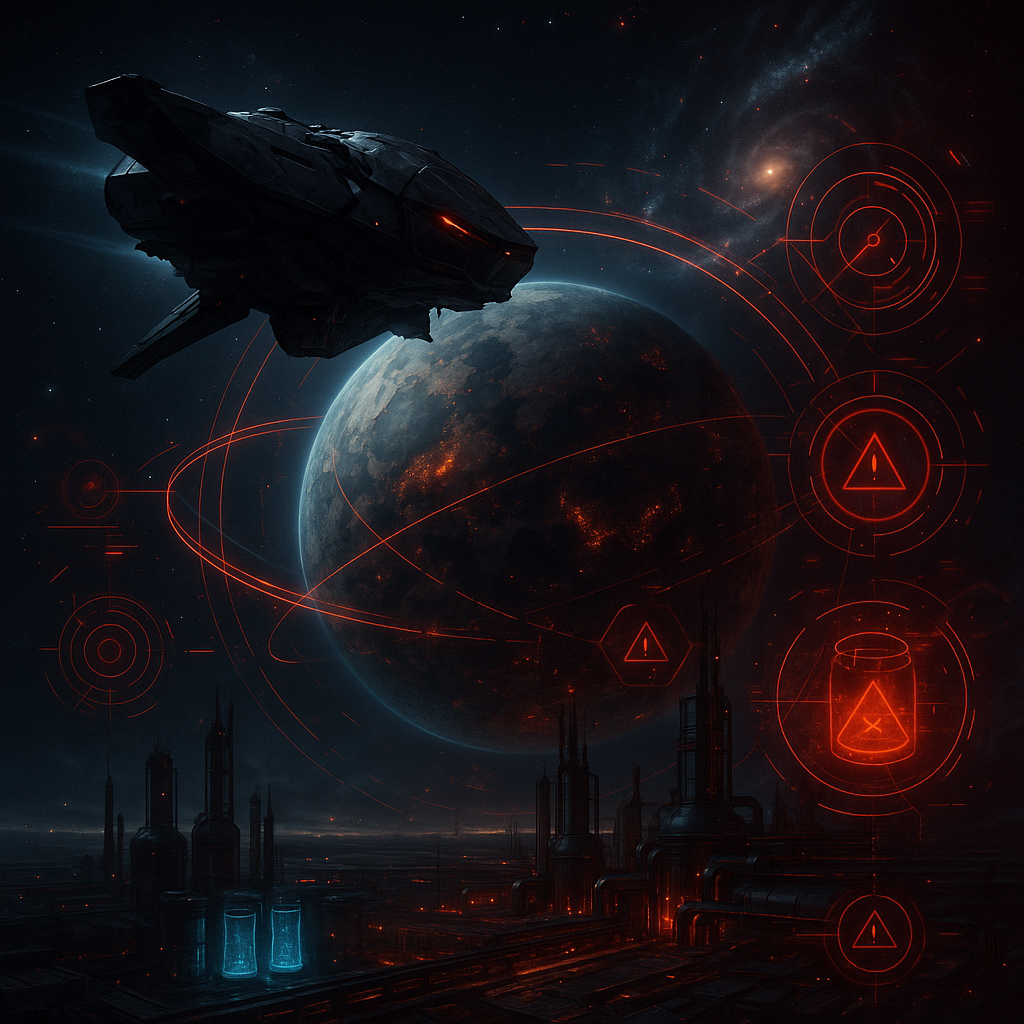
How to Protect Yourself from the Marauder and Avoid Losing 50,000 Antimatter
Imagine a typical gaming evening in War for Galaxy: you check construction, plan flights, monitor resources—and suddenly get an alarming notification about a Marauder. The initial reaction is almost always combative: open the map, find the sender, raise your fleet, strengthen defenses, and meet the threat with fire. But this is exactly where many players lose time. The War for Galaxy Marauder doesn’t work like a typical attacking ship from space combat games. It doesn’t come to engage in space battles, doesn’t damage structures, and doesn’t test your defenses. Its goal is much quieter and more unpleasant: stealing antimatter.
The Marauder is a special ship designed exclusively for a "Theft" mission. It is economic sabotage, not a standard raid. When it launches towards your planet, you receive a notification, but with no flight coordinates and no fleet owner name. The sender remains completely anonymous: the mechanics do not reveal where the ship started or who sent it. Therefore, trying to immediately identify the attacker by the notification doesn’t help to protect your resource in the first minutes.
The key number to remember: the Marauder's cargo capacity is 50,000 units. In the context of the "Theft" mission, this means the maximum risk of losing up to 50,000 antimatter in a single raid. Moreover, losses don’t occur in a flashy orbital battle, but on a timer. If the player doesn’t react promptly, the antimatter reserve decreases interval by interval.
War for Galaxy is a galaxy game at the crossroads of space strategy, browser strategy games, and online strategy games, where fleet management, economy, trade, and attention to the interface matter. Against the Marauder, victory doesn’t come from the strongest fleet, but from the player who understands the timings and presses the right button quickly. This guide explains how to practically protect yourself from a War for Galaxy Marauder: what happens after the notification, when the "Chase Away" button appears, why the first 2,500 AM are already lost, and what habits help avoid losing the entire limit.
How "Theft" Works: Notification, First 5 Minutes, and the "Chase Away" Button
The "Theft" mission is available only to fleets consisting entirely of Marauder ships. If transports, combat ships, recon probes, or any other unit are added to the fleet, it no longer qualifies for this mission. The target is also limited: "Theft" can be directed only at another player’s planet. The mission’s purpose is to take antimatter from the target and then return to the home planet.
Let's break down the mechanics as a simple timeline. First, the Marauder launches, and you receive a notification. This message contains no sending coordinates or fleet owner—the absence is not a UI error, but a key feature of the mission. Then the ship arrives at your planet. From that moment, it starts to steal antimatter: 2,500 units every 5 minutes.
The most important detail—the "Chase Away" button is not available immediately upon arrival. It appears 5 minutes after the Marauder arrives, after the first 2,500 antimatter have already been stolen. This is an unpleasant but fundamental part of the mechanics: the first theft tick happens before the interface action appears. When the button becomes available, it must be clicked as quickly as possible. Pressing "Chase Away" stops further theft, but lost antimatter is not returned.
If the player does not press "Chase Away," theft continues. The formula is simple: every following 5 minutes of delay after theft begins costs another 2,500 AM lost, until the raid ends or the 50,000 antimatter limit is reached. Thus, the difference between quick reaction and postponement can be huge.
| Theft Duration After Arrival | Total Antimatter Loss |
|---|---|
| 5 minutes | 2,500 AM |
| 10 minutes | 5,000 AM |
| 20 minutes | 10,000 AM |
| 60 minutes | 30,000 AM |
| 100 minutes | 50,000 AM |
This table is useful as a psychological guideline. One missed interval seems minor, but after 20 minutes you lose 10,000 AM, and the full limit of 50,000 AM is reached after 100 minutes of theft. In usual real-time strategy games, army strength often decides outcomes; here, discipline in reacting to the timer is key.
What to Do Immediately After the Notification: A Short Response Protocol
The main rule after a Marauder notification: don't spend the first minutes investigating. The mechanics do not show the owner or launch coordinates, so from the message alone, you cannot find out who sent the ship. It’s understandable to want to find the culprit, but while you check the map, reports, or chat, the timer moves toward the first antimatter deduction.
Instead, follow this short protocol.
- Open the notification. Make sure it is indeed about the Marauder’s launch. Do not search for hidden coordinates—they aren’t there.
- Go to the target planet. Your goal is to be in the right interface and not miss the moment the action becomes available.
- Watch for arrival. Launch does not mean antimatter is already leaking. Theft begins after the Marauder reaches your planet.
- Wait for the first 5-minute tick. After 5 minutes, 2,500 AM will have been stolen, and only then will the "Chase Away" button appear.
- Press "Chase Away" immediately when the button appears. Do not wait a minute, do not check construction, or reply to chat. Immediately.
If the button is pressed immediately, theft will stop. The lost 2,500 AM will not return, but you prevent the raid from escalating to 5,000, 10,000, 30,000, or 50,000 AM. This is the practical defense: not canceling the initial tick but cutting off all subsequent thefts as quickly as possible.
It’s important to distinguish the Marauder from conventional threats. It can’t be stopped by normal attacks, interception, or orbital defense. It doesn’t engage in combat. Thus, fleets on the planet, turrets, and readiness for counterstrikes matter in other scenarios but do not replace the "Chase Away" button here.
The quick reaction formula is: notification → target planet → monitor arrival → 5 minutes after arrival → first 2,500 AM lost → "Chase Away" appears → immediate click. Keeping this order in mind turns the alarming message from chaos into a clear procedure.
What Not to Do: Common Mistakes Against the Marauder
The Marauder is also dangerous because it provokes wrong actions. Players used to classic strategy games, browser strategy games, and space battles instinctively respond with force. But the Marauder is not a combat raider. It’s the only unit that cannot participate in battle, and its only mission is "Theft" with return to home base.
- Don’t try to use the Marauder in a conventional attack. This ship cannot be used as a strike unit. It is not designed for attack, reconnaissance, transport, or processing.
- Don’t rely on defenses to shoot down the incoming Marauder. Defense matters in space battles but does not stop this theft.
- Don’t attack the Marauder’s home planet hoping to destroy it. The Marauder doesn’t participate in defense and can’t be destroyed in such battles.
- Don’t expect to relocate your Marauder. Each ship is bound to its planet; you can’t transfer it to another colony.
- Don’t expect stolen antimatter to be returned. Even after chasing the Marauder away, the removed antimatter is permanently lost.
- Don’t delay your reaction to investigate. The mission’s anonymity means no owner or launch location is revealed. It’s more important to stop losses than to find the sender at the moment of theft.
For general understanding, useful Marauder stats include: cargo capacity 50,000, initial speed 2,000, fuel consumption 300 antimatter, and Barion engine type. However, these figures don’t turn it into a combat ship. It has no role in fleet composition, does not attack or defend. Its strength lies in mission stealth and hitting resource reserves while the player is distracted.
The number one mistake is trying to defeat the Marauder by "force." It’s more correct to accept: this is not a ship duel or defense test, but a user interface race against time. The faster you stop searching for a fight where there isn’t one, the sooner you perform the single useful action.
How to Reduce Risk of Major Losses: Antimatter Management Habits
There is no absolute guarantee that "the Marauder will never steal anything" with this mechanic. So prevention relies not on complete invulnerability, but on risk reduction and limiting losses. The main tools are regular notification checks, careful antimatter management, and understanding the 5-minute theft rhythm.
The Marauder is especially effective against players with large antimatter reserves and those rarely online. If a planet holds a large stockpile and the owner doesn’t check the game for a long time, the raid occurs under ideal conditions: antimatter leaves at 2,500 units per 5 minutes, and the "Chase Away" button remains unpressed. Inactivity may cause damage up to 50,000 AM per raid.
Antimatter is not just a number in storage. It is a critical resource and fleet fuel. Losing a large stockpile can disrupt flights, slow development, block trade plans, or reduce fleet mobility exactly when quick galactic responses are needed. In an online strategy game, such delays often weigh as heavily as lost battles.
Make notifications part of your routine. Before long offline times, before bed, before important flights, and after trade operations, quickly check messages. In War for Galaxy, notifications matter not only because of the Marauder: after market operations, lot status messages also appear in the "Notifications" section accessed via the Radio Operator in the lower-left corner. The game effectively hints: want to control your economy? Watch your notifications.
- Don’t leave large antimatter reserves unattended. The bigger the AM on the planet, the more painful a successful raid is.
- Check notifications before long breaks. This simple habit can save tens of thousands of AM.
- Keep the 5-minute interval in mind. After theft starts, each tick costs another 2,500 AM loss.
- React to the Marauder before other tasks. Construction, trade, and chat can wait; the theft timer cannot.
- Do not expect stolen resources back. Plan your actions as if all stolen antimatter is permanently lost.
Good prevention doesn’t make you unreachable, but reduces damage scope. The goal is not to expect the Marauder never to appear, but to ensure that even a successful raid takes minimal, not total, losses.
Final Reminder: How Not to Give the Marauder 50,000 AM
Summed up as a brief reminder, Marauder protection in War for Galaxy looks like this:
- A Marauder launch notification arrives without sending coordinates or fleet owner;
- The sender remains anonymous, so don’t waste the first minutes investigating;
- Theft begins after the Marauder arrives at your planet;
- 5 minutes after arrival, the first 2,500 antimatter is stolen and the "Chase Away" button appears;
- The faster you press "Chase Away" after the button appears, the fewer total losses you suffer;
- Already stolen antimatter is not returned;
- Inaction can lead to loss of up to 50,000 AM per raid;
- Fleet and defenses don’t stop this theft because the Marauder doesn’t engage in combat.
The main conclusion: the Marauder isn’t about standard battles, but about economic sabotage in a galaxy game. It punishes not weak defenses but inattentiveness to notifications and timers. So the most practical answer to "how to protect yourself from the War for Galaxy Marauder" is: see the alert, go to the target planet, wait for the "Chase Away" button, and click immediately.
If you enjoy space games, online strategy games, browser strategy games, spaceship games, and space MMO games where ships aren’t everything but economic discipline matters, visit War for Galaxy. Start at the official Russian-language website, open the web client, or choose your preferred version on the download page. In the galaxy, victory belongs not only to the player with the largest fleet but also the one who reads notifications fastest.