

A Marauder is Coming for You: How Not to Lose Up to 50,000 Antimatter
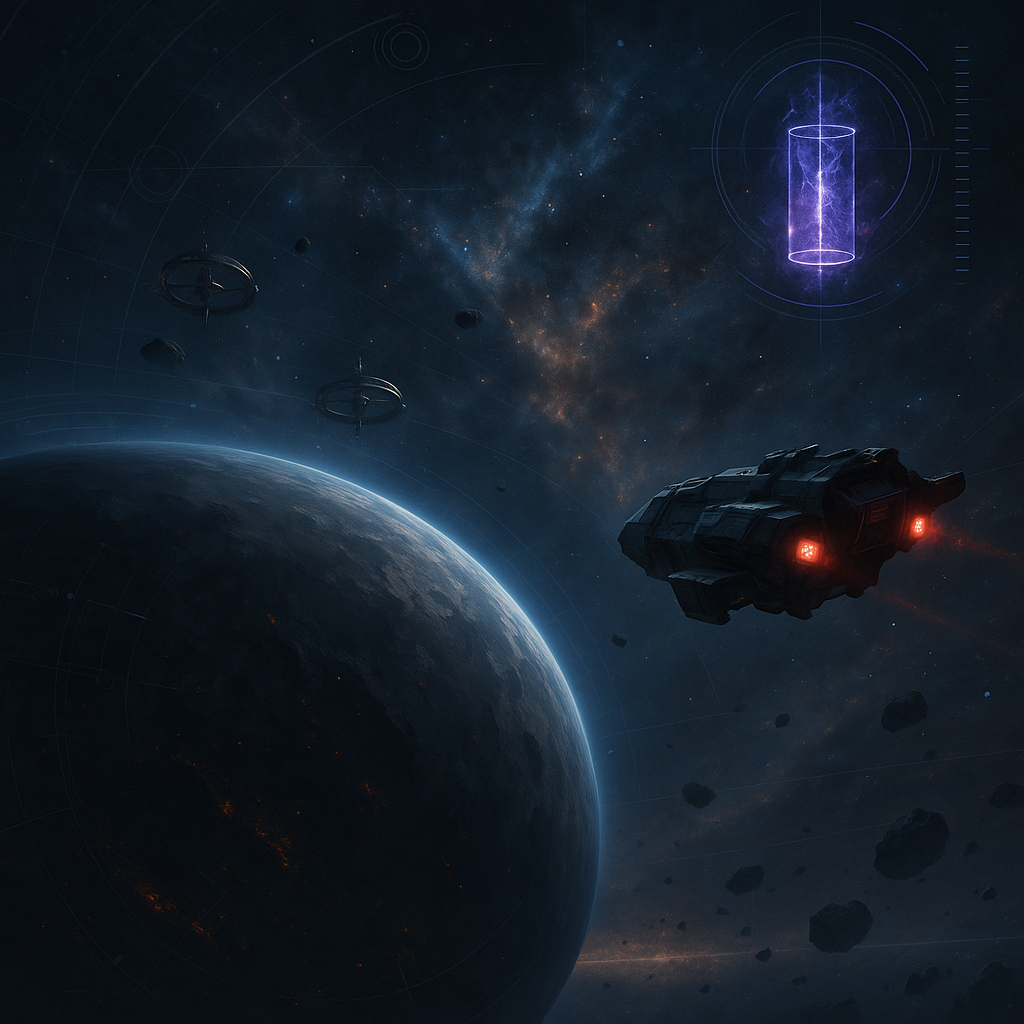
A Marauder is Coming for You: How Not to Lose Up to 50,000 Antimatter
You are calmly developing your planet, planning construction, counting antimatter for the next upgrade, or sending your fleet on usual missions — and suddenly an alarming message appears in the interface: "Warning! A Marauder has been sent to your planet!". For players unfamiliar with this mechanic, the reaction is almost always the same: check defenses, mobilize the fleet, find the sender's coordinates, prepare for battle.
But the War for Galaxy Marauder works differently. This isn’t a standard attack, a reconnaissance, or a typical space battle. The Marauder is a special ship designed exclusively for the "Theft" mission. It does not fly to destroy defenses, does not engage your fleet in combat, and does not operate like a usual combat unit in space combat games. Its objective is simpler and more unpleasant: to steal antimatter.
The main risk is losing up to 50,000 antimatter in a single raid. The correct first steps do not involve guns, interception, or trying to locate the enemy on the map. It’s more important to understand what the interface actually shows, why the alert lacks the fleet owner and launch coordinates, when the "Chase Away" button appears, and how to prevent the loss from escalating to the maximum.
What the Marauder Alert Means
The Marauder launch notification signals a threat but deliberately omits usual details. It does not specify the fleet owner or the launch coordinates. This is not an interface error or an incomplete report: anonymity is a fundamental part of the "Theft" mechanic.
Therefore, do not waste valuable time searching for a standard scenario common to other browser strategies: "where the fleet came from," "whom to scan," "attack composition," or "how to meet it." When dealing with the Marauder, you are not facing a combat operation but an economic sabotage. The timer is already running, but the solution comes through interface interaction, not fleet strength.
In short: if you see the message "Warning! A Marauder has been sent to your planet!", your planet’s antimatter is threatened. The maximum damage per raid is up to 50,000 units. The sender is hidden. No typical battle occurs. Your task is not to panic but to prepare for the moment when the game allows stopping the theft.
Who is the Marauder and Why You Can't Meet It in a Normal Fight
The Marauder looks like a ship: it has speed, cargo hold, engine, fuel tank, and fuel consumption. But in terms of role in the game, it is a unique unit. It is neither a fighter, transport, scout probe, collector, nor support ship. It cannot be used for attack, reconnaissance, debris recycling, or resource transportation. The only available mission is "Theft" with a guaranteed return to its home planet.
An important feature: you cannot build a Marauder. It appears automatically upon colonizing a planet. Each Marauder is tied to its native planet and does not relocate among the player’s colonies. You cannot gather all Marauders in one place, transfer them to a convenient base, or hide them in the capital. It is bound to the planet from which it operates and returns there after the mission.
Another crucial fact: the Marauder does not participate in attack or defense. If an enemy fleet attacks its native planet, the Marauder will not fight nor can it be destroyed during the assault. This means the usual logic of "find the ship and destroy it" does not apply here. The mechanic is outside the ordinary framework of space battles.
Marauder Technical Specifications
| Parameter | Value |
|---|---|
| Cargo Capacity | 50,000 |
| Fuel Tank | 50,000, equal to cargo capacity |
| Initial Speed | 2,000 |
| Fuel Consumption | 300 antimatter |
| Engine Type | Baryon |
| Available Mission | Only "Theft" |
| Combat Role | Does not participate in attack or defense |
If you want to verify parameters in the game itself, use the personal assistant Hermes. This is the most reliable way to avoid applying usual ship rules to the Marauder or building defense based on rumors.
How "Theft" Works: 2,500 Antimatter Every 5 Minutes
"Theft" is a special mission available only to fleets composed exclusively of a Marauder. You cannot add transports, combat ships, scout probes, or any other unit: the mission functions as a separate mechanic strictly for the Marauder.
The target for "Theft" can only be another player’s planet — not your own colony, not an empty spot on the map, nor debris fields, but specifically an enemy planet. Upon arrival, the Marauder starts stealing antimatter at a rate of 2,500 units every 5 minutes. The maximum per raid is 50,000 antimatter. This limit matches the Marauder's cargo capacity: it cannot carry more than what fits in its hold.
Losses are conveniently counted in five-minute intervals:
- 5 minutes active — 2,500 antimatter;
- 10 minutes active — 5,000 antimatter;
- 20 minutes active — 10,000 antimatter;
- afterwards losses continue to grow at the same rate until the theft is stopped or the raid limit is reached;
- maximum — up to 50,000 antimatter per raid.
After completing the theft, the Marauder automatically returns to its home planet. It does not linger above the target like a regular fleet, does not engage in combat, and does not convert the raid into a classic orbital shootout.
Why the Sender Remains Anonymous
One of the most irritating features of this mechanic is complete anonymity. The player sees that a Marauder is coming but does not see who sent it or from where. This applies not only to the first notification. By the mechanic’s rules, neither the owner nor the launch coordinates are revealed in notifications, battle reports, or scans.
In other words, trying to solve the problem by "scanning neighbors to find the culprit" wastes time and is not guaranteed by the mechanic itself. This anonymity is not a bug, an interface oversight, or information hidden elsewhere. It is an intentional part of the economic sabotage design in this galaxy game.
Yes, alliances can discuss activity, compare raid timings, and maintain online discipline. But it is important not to confuse organizational hypotheses with actual disclosure of the sender. The "Theft" mechanic does not provide the sender's name or starting coordinate via standard notifications, reports, or scans. Hence, the defense plan should focus not on hunting the anonymous sender but on minimizing damage.
When the "Chase Away" Button Appears
The key point of all defense is the "Chase Away" button. It appears 5 minutes after the Marauder arrives at your planet. Not at alert time, not immediately when the threat appears, and not before the theft begins. First, the Marauder arrives, the first five-minute interval passes, it steals the initial 2,500 antimatter — and only then does the interface allow you to chase it away.
This is unpleasant but important to accept: by the time the button appears, the first 2,500 antimatter have already been lost. If you press "Chase Away" immediately, the theft will stop, but the stolen antimatter will not return. The button does not cancel the initial damage; it stops further losses.
Therefore, the logic of real-time strategy games applies here: timing, interface, and quick reaction matter. Not fleet strength, thickness of defense, or attempts to "shoot down" the Marauder — but your ability to return to the planet in time and press the right button. The difference between losing 2,500 and 50,000 antimatter is not the number of Colossus ships in orbit but how many five-minute intervals you miss.
The practical takeaway is simple: upon seeing the alert, keep your planet in focus. Track the Marauder’s arrival. Return to the interface after its first 5 minutes of activity. Press "Chase Away" immediately when it appears. Each subsequent five-minute period costs another 2,500 antimatter.
How to Reduce Risks: A Checklist for Marauder Raids
You cannot completely cancel an ongoing theft without losses: if the "Chase Away" button appears after the first theft, the initial 2,500 antimatter are irrevocably lost. But you can prevent the raid from becoming catastrophic. Defense against the Marauder revolves around three things: alertness, timing, and discipline in antimatter storage.
- Do not ignore the alert. The Marauder message is not background noise. Closing it with a thought of "I'll deal later" risks missing several five-minute intervals.
- Monitor the planet after arrival. The main mistake is seeing the warning but not returning to the target when the Marauder begins stealing.
- Press "Chase Away" immediately. The button stops further theft, even though the stolen antimatter won't return.
- Do not waste critical time searching for the sender. Anonymity is part of the mechanic, so scans, reports, and notifications do not reveal the owner or launch coordinate.
- Do not keep large antimatter reserves without monitoring. The larger the antimatter stockpile on a planet, the more painful a successful raid.
The Marauder is especially effective against players with high antimatter reserves and "sleeping" planets that the owner rarely visits online. In space and browser MMO strategy games, victory often goes not to who is strongest in one battle but who better plans offline periods. For space MMOs, this vulnerability to both firepower and opponent attention is particularly notable.
Before a long break, check where your antimatter has accumulated. If you plan to be absent, do not leave your most valuable reserves unattended when you can tidy your economy beforehand. This does not guarantee absolute protection but reduces the cost of your inactivity.
Alliance communication is also useful if used wisely. Allies can remind you to check alerts, help maintain activity rhythms, and discuss suspicious timing patterns. But an alliance does not negate anonymity rules: it does not unlock magical buttons revealing the Marauder’s sender.
What You Definitely Shouldn't Do
The first mistake is waiting for a regular battle. The Marauder neither attacks defenses nor participates in combat like a standard ship. Advises like "shoot it down with your fleet," "intercept with defense," or "catch it in a battle report" do not fit this mechanic.
The second mistake is considering the absence of coordinates a bug. If the interface does not show the sender, do not hunt for hidden reports or special scans. For the "Theft" mission, sender anonymity is a rule.
The third mistake is logging off after the warning. The most dangerous scenario is a player seeing the alert, realizing "something is coming," but leaving to do other tasks. The Marauder arrives, the first five minutes pass, then the next, and losses mount. Ultimately, the issue is not lack of fleet but missing the window to press "Chase Away."
Conclusion: Vigilance Defeats the Marauder
The Marauder in War for Galaxy is not a test of your army or a challenge to defense. It is a specialized ship for the "Theft" mission, operating by separate rules: does not engage in combat, does not disclose owner or launch coordinates, steals antimatter periodically, and returns to its home planet.
Remember the key point: the "Chase Away" button appears only 5 minutes after the Marauder’s arrival, when the first 2,500 antimatter have already been stolen. Those resources do not return. But quick action stops further theft and prevents losses from nearing the 50,000 antimatter raid maximum.
If you haven't checked your empire in a while, do so now: visit the official War for Galaxy website, open the browser version at play.warforgalaxy.com, check your alerts, planets, and antimatter reserves. New players can access the client and mobile downloads page at download War for Galaxy, as well as versions on Google Play and App Store.
You cannot defeat the Marauder with a flashy salvo. It is stopped by vigilance, timing, and quickly pressing "Chase Away."