

A Marauder is Coming for You: How to Avoid Losing up to 50,000 Antimatter
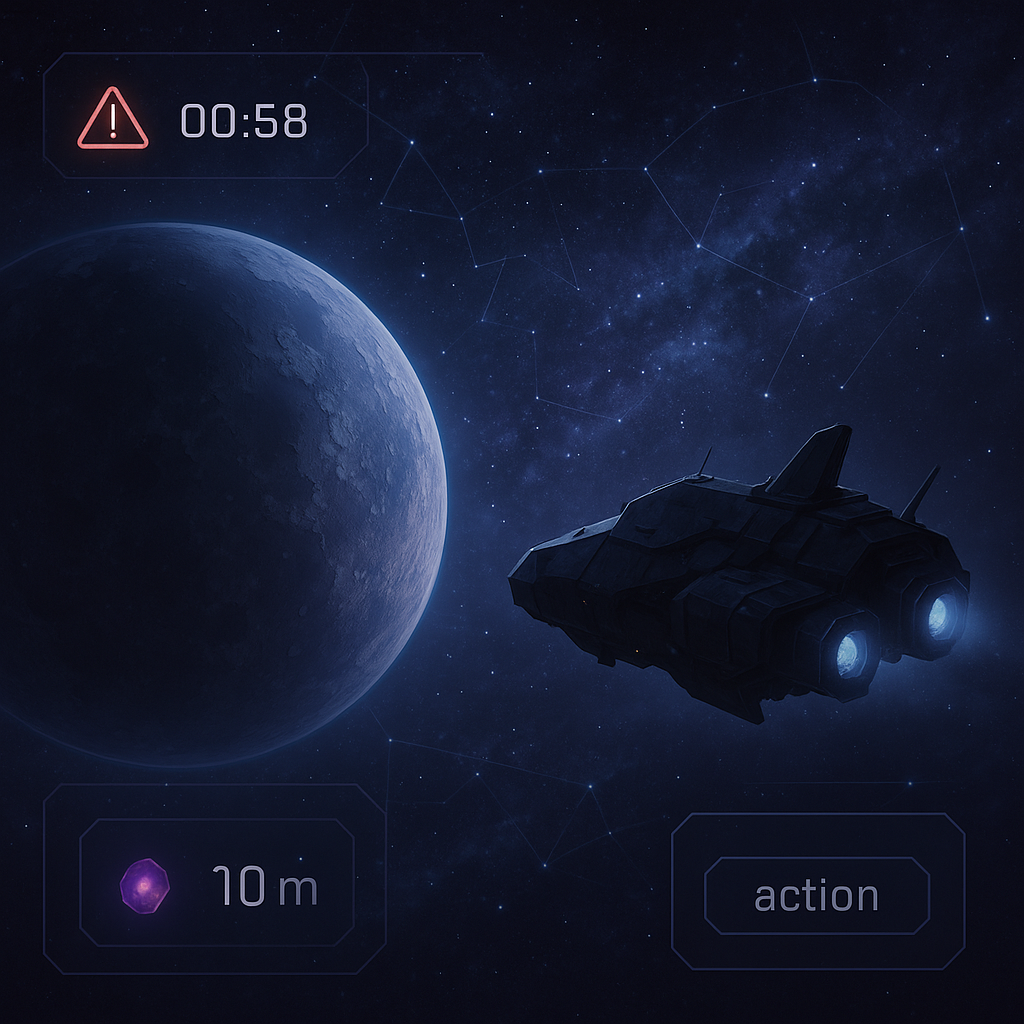
A Marauder is Coming for You: How to Avoid Losing up to 50,000 Antimatter
Imagine a typical evening in War for Galaxy: mines are operating, construction queues are busy, your fleet is returning from a flight, and you're calmly checking your colonies – when suddenly you see an alarming notification that a Marauder has launched at your planet. The message contains no launch coordinates, no fleet owner's name, and no usual visual of a standard attack where it's immediately clear where the enemy is coming from and what threat they pose.
At this moment, many players make their first mistake: they start perceiving the Marauder as a regular enemy ship. But the War for Galaxy Marauder is not a combat attack in the usual sense nor a classic space battle from space combat games. It does not come to destroy your fleet, break your defenses, demolish buildings, or steal titanium and silicon. Its target is much narrower and more dangerous for your economy — antimatter.
If you ignore the notification, losses can reach up to 50,000 antimatter in a single raid. For a developing empire, this is a serious blow: antimatter is needed for fuel, progress, research, trade, and other important decisions. There’s no need to panic, but you must react quickly. War for Galaxy, as a galaxy game, browser strategy game, and online space strategy, tests not only your fleet size but also your resource management discipline. See the notification — keep your planet under control and prepare to act on a timer.
What is a Marauder and How the “Theft” Mission Works
The Marauder is a specialized ship designed exclusively for the “Theft” mission. This is an important distinction: it is not a universal transporter, scout, or combat unit. Its role is to covertly fly to another player's planet, start siphoning antimatter, and then return to its home planet.
You cannot build a Marauder manually at the Dock, order one in the queue, or assemble it as a normal ship. According to the War for Galaxy knowledge base, it appears on a planet automatically upon colonization. Each Marauder is tied to its home planet: it cannot be redeployed to another of your colonies. It launches from that planet, carries out the “Theft” mission, and returns there.
Because of this attachment, the Marauder does not replace transport, reconnaissance probes, or combat ships. It cannot be sent on attacks, scouting, debris recycling, or resource transport missions. It doesn't participate in the defense of its home planet, does not engage in combat, and cannot be destroyed during an attack on the assigned planet. The combat system ignores it. Therefore, trying to solve the problem with guns, domes, or counter fleets won’t work.
The “Theft” mission is available only to fleets consisting exclusively of Marauders. If there is any other ship in the fleet, this mission is unavailable. The target can only be another player's planet. The theft mechanics are simple and unpleasant: the Marauder takes 2,500 antimatter every 5 minutes. Its maximum cargo capacity is 50,000 units, so the maximum risk of a single raid is capped at 50,000 antimatter.
A special feature is complete anonymity. The sender of the Marauder is not revealed in notifications: you do not see the launch coordinates or the fleet owner’s name. This is not a UI flaw but part of the design. The Marauder is intended as an economic sabotage tool rather than a standard trigger for an instant counterattack.
Technical details can be checked in-game via the personal assistant Hermes. Basic Marauder stats are: cargo capacity 50,000, initial speed 2,000, fuel consumption 300 antimatter, engine type — Barion. The fuel tank equals the cargo capacity, i.e., 50,000. Armor, shield, and attack rating do not play combat roles because the Marauder does not engage in battles.
For players used to spaceship games and real-time strategy games, this may seem unusual: a threat comes as a ship but cannot be solved with firepower. In War for Galaxy, such mechanics are important because they make you think broader: sometimes a strong economy and interface awareness protect better than the largest defense.
Emergency Checklist: What to Do When a Marauder is Already Flying
When you get a Marauder notification, the main task is not to waste time on actions the game won’t allow you to perform effectively anyway. Below is an action order that will help reduce damage.
First 10 Seconds: Don’t Search for the Sender
The notification states the fact of the Marauder’s launch but does not give launch coordinates or fleet owner’s name. The sender always remains anonymous. Therefore, do not frantically open all reports, randomly scan neighbors, or ask in chat “who launched it?”. These actions won’t stop the theft.
Your current goal is not revenge but loss minimization. If you spend the first minutes hunting the culprit, the Marauder only gains time.
Immediately Identify the Threatened Planet
If you have multiple colonies, it’s crucial to determine which specific planet the notification concerns. The Marauder targets a specific planet, not the entire account. Open the target planet, check the antimatter stock, and watch the arrival time.
- do not switch chaotically among all colonies;
- do not count on planetary defense to solve the problem alone;
- keep the interface under control until the appropriate action appears;
- remember the maximum risk—up to 50,000 antimatter.
Before the “Drive Away” Button: Don’t Try to Shoot it Down
The most common mistake is acting as though a regular combat fleet is incoming. In standard space games, the logic is often simple: enemy fleet approaches — raise your fleet, strengthen defenses, wait for the battle report. With the Marauder, this doesn’t work. It does not participate in combat, does not attack or defend, so it cannot be destroyed like a typical ship.
The key defense tool is the “Drive Away” button. But it does not appear immediately, and understanding this in advance is crucial.
The First 5 Minutes After Arrival: Prepare to Press the Button
After 5 minutes of arrival, the Marauder steals the first 2,500 antimatter. Then the interface shows the option to drive it away. Yes, the first 2,500 will already be lost. But your task is to prevent the raid from continuing and nearing the maximum limit.
As soon as the “Drive Away” button appears, press it immediately. Do not postpone the action for “after construction,” do not simultaneously check rankings, and do not switch to other tasks. Every delay increases total loss.
After Pressing: What Happens to the Stolen Antimatter
Driving it away stops further theft but does not return antimatter already stolen. If the Marauder took 2,500 or more, that amount is lost irretrievably. So, the “Drive Away” button is not a raid rollback. It’s a way to halt further damage.
If You Were Offline
If you enter the game after the theft, don’t try to recover antimatter through combat or find the owner via notification. Mechanics don’t reveal the sender, and stolen antimatter isn’t returned. Better use the event as a warning: the antimatter stock on that planet was left unattended too long.
When you need to urgently check a planet, you can open the game through the browser version at play.warforgalaxy.com. For browser strategy games, this habit is especially useful: sometimes a short login saves more resources than a lengthy battle sequence.
How to Reduce the Risk of Antimatter Loss in Advance
The best defense against the Marauder is not weapons, but resource discipline. It is especially effective against players with large antimatter reserves and against planets where the owner rarely logs in. The richer and quieter the target appears, the more logical it is for economic sabotage.
Don’t Leave Critical Reserves Unattended
The main rule is simple: if losing a certain amount of antimatter will break your plans, don’t keep that quantity on a planet before a long offline period. Night, work, study, travel, long break — these are moments when you should check where your antimatter is and how painful its loss could be.
You don’t need to live in constant paranoia. But storing a large reserve “just until tomorrow” on a planet you rarely check is a risky habit. In strategy games, often the winner isn’t the one who never makes mistakes but the one who eliminates obvious weak points in advance.
Check Notifications as Part of Your Routine
Notifications in War for Galaxy are not decorative scrolls. They are early signals about threats, trade operations, and planet events. After logging into your account, it’s useful to check notifications first, then move to construction, fleets, and research.
- regularly check planets accumulating antimatter;
- don’t ignore Marauder launch messages;
- before long absences, evaluate what will be left unattended;
- don’t assume strong defense equals universal protection from all mechanics.
Don’t Overestimate Defense
Defense helps against regular attacks, raids, and many space battles. But against the Marauder, it’s not a direct protection because it doesn’t engage in combat. Lasers, missile blocks, energy domes, and orbiting fleets don’t turn it into debris. The answer to “Theft” is vigilance, quick driving away, and careful antimatter storage.
Watch for Patterns but Don’t Expect Automatic Disclosure
Too frequent thefts from one planet may indirectly reveal timing patterns of the Marauder owner. For example, if attempts repeat at the same hours, you can discuss it with your alliance and adjust resource storage timing. Active alliances and high league players usually pay more attention to suspicious activity.
But it’s important not to overestimate such observations. By design, the sender remains anonymous: the game won’t show names or coordinates automatically. Patterns help you decide but don’t negate the main rule — don’t leave critical antimatter amounts unattended.
Common Mistakes: Why You Can’t “Catch the Marauder Like a Regular Enemy”
The Marauder breaks the usual reflex from space games: see an enemy fleet — intercept, attack, destroy. Here, the threat works differently. Let’s review the most common mistakes.
- Mistake: sending a combat fleet to intercept or relying on defense.
Reality: The Marauder neither attacks nor defends. It doesn’t engage in combat, so a standard battle against it doesn’t work. - Mistake: attacking the Marauder's home planet to destroy it.
Reality: During an attack on its home planet, the Marauder doesn’t defend and can’t be destroyed. The combat system ignores it. - Mistake: trying to find the sender from the notification.
Reality: Marauder owners are always anonymous. Notifications don’t contain launch coordinates, player names, or data for instant counterattack. - Mistake: thinking “Theft” cleans out the entire warehouse.
Reality: The mission only steals antimatter. Titanium, silicon, buildings, defense, and fleets aren’t affected by this mechanic. - Mistake: using the Marauder as a universal ship.
Reality: It can’t be sent on attacks, scouting, debris recycling, or resource transport. Its only mission is “Theft” followed by a return home. - Mistake: redeploying the Marauder between your colonies.
Reality: Each Marauder is assigned to a specific planet and cannot be transferred to another.
If you want to check ship parameters in-game, you can view Marauder stats via the personal assistant Hermes. This is useful at least to stop expecting it to behave like a regular spaceship from space games.
Quick Summary: The Five-Minute Rule
If a Marauder is headed for your planet, keep a simple formula in mind: see the notification — monitor the planet; after arrival and the first theft at 5 minutes — press “Drive Away”. Don’t look for the sender in reports, don’t try to shoot down the Marauder with defense, and don’t wait until losses approach 50,000 antimatter.
Remember three key facts. First: the “Drive Away” button appears after the Marauder steals the first 2,500 antimatter. Second: stolen antimatter does not return even after successful driving away. Third: the main protection is quick reaction and proper stock management.
War for Galaxy is an online strategy game about space for those who love galaxy games, browser strategy games, space MMO games, space battles, and spaceship games where victory goes not only to the biggest fleet but also to those attentive to mechanics. Start on the official Russian site, launch the game immediately in your browser, or go to the download page. Check your planets, develop a habit of reading notifications — and don’t leave an easy catch for the Marauder.