

Marauder Is Coming For You: How Theft Protection Works and How Much Response Time You Have
Marauder Is Coming For You: How Theft Protection Works and How Much Response Time You Have
Imagine an ordinary evening in War for Galaxy: you are developing your planet, checking buildings, accumulating antimatter for flights or important actions — and suddenly receive an alarming notification about a Marauder. The first reaction is almost always the same: open the message, find the launch coordinates, learn the fleet owner's name, and understand whom to prepare a response for. But this is exactly where most players lose precious time.
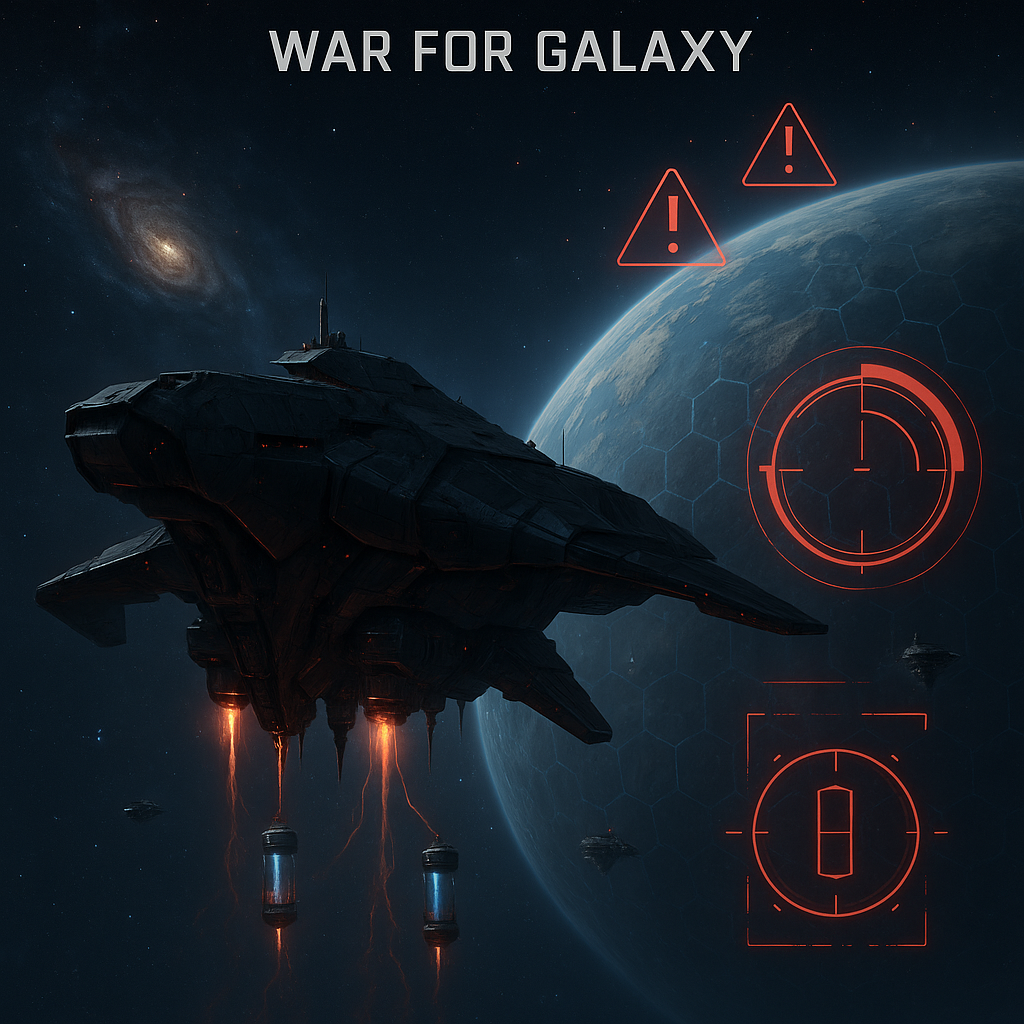
A Marauder is not a regular attack. It is a special ship designed exclusively for the "Theft" mission. Its task is not to start a space battle, not to break through defenses, and not to engage in combat with your fleet. It comes for antimatter, and all protection against it is built not around guns and shields but around notification control and prompt pressing of the "Chase Away" button.
The most important thing to remember immediately: when a Marauder launches towards your planet, the notification arrives without launch coordinates and without the fleet owner's name. This is not a UI error nor an incomplete report. This is how the "Theft" mission mechanic works. The sender remains completely anonymous: they are not revealed in notifications, reports, or scans. Therefore, promises to "track the attacker by route" or "find the launch coordinates" do not comply with this mechanic's rules.
The short answer to panic is this: if a Marauder is coming for you, you shouldn't search for the invisible owner but monitor the target planet. The "Chase Away" button does not appear at the moment of notification but later — after the Marauder arrives and the first theft occurs. As soon as it becomes available, press it immediately. In the space browser strategy War for Galaxy, economic security sometimes matters more than fleet size: you can have a strong defense but still miss a theft simply because you were distracted from the interface.
How the "Theft" Mission Works: Speed, Limit, and Anonymity
The Marauder in War for Galaxy is a separate tool of economic sabotage. It cannot be considered a transport, scout, or combat ship with an unusual role. The only mission available for it is "Theft", and the mission's target can only be another player's planet.
There is also an important restriction on fleet composition: "Theft" is available only to fleets consisting exclusively of Marauders. If there are other ships included, this mission is not accessible. Therefore, the Marauder does not accompany a combat armada and does not operate as part of a standard raid. It works under separate logic: it arrives secretly at the target, starts extracting antimatter, and then returns to its home planet.
The main danger of the Marauder lies not in a single strike but in the timer. It steals antimatter in portions: 2,500 units every 5 minutes. Losses are not deducted as one large sum at arrival, but if the player delays, the damage quickly becomes noticeable. One interval means a loss of 2,500 antimatter. Two intervals — 5,000 loss. The theft continues accumulating at the same pace until stopped or until the raid ends according to the mechanic's rules.
The maximum risk per raid is up to 50,000 antimatter. This limit is related to the ship's characteristics: a Marauder's cargo capacity is 50,000 units. The fuel tank also equals the cargo capacity and holds 50,000. Technically, the Marauder uses a Baryon engine, has an initial speed of 2,000, and fuel consumption of 300 antimatter. These numbers are useful to know, but for the player already targeted by a Marauder, the decisive factor remains reaction speed after the button appears.
After completing the theft, the Marauder automatically returns to its home planet to which it is bound. The sender still remains invisible. Unlike many browser strategy games and online strategy games where after an attack you can analyze the report and identify the opponent, here the "Theft" mission is specifically designed as anonymous economic pressure. Therefore, the right focus for protection is not investigation but minimizing losses.
How Much Time Do You Have to React: Timeline from Launch to "Chase Away" Button
The most important part of defending against the Marauder is understanding when you can actually take action. The launch notification alerts you of the threat but does not provide the "Chase Away" button yet. You cannot chase the Marauder away prematurely: it must arrive and begin stealing according to the mission rules.
- Notification of launch arrives. You see a Marauder is headed for your planet. The notification contains no owner name or launch coordinates. This is deliberate and not a hidden hint.
- You monitor the target planet. At this stage, don't waste time scanning, guessing neighbors, or preparing for combat interception. There's no confirmed mechanic allowing you to reveal the owner or shoot down the Marauder en route.
- The Marauder arrives. Arrival itself doesn't mean the button can be pressed yet. After arrival, the first 5-minute interval starts.
- After 5 minutes post-arrival, the first theft occurs. The Marauder takes the first 2,500 antimatter. It is precisely after this that the "Chase Away" button appears in the interface.
- The button appears — press it immediately. This is your first guaranteed reaction point. Don't wait, verify hypotheses, or hope the damage will be minimal. Any delay from this moment works against you.
- If you don’t press the button, theft continues. Losses grow by 2,500 antimatter every 5 minutes. Delays can lead to losses of up to 50,000 antimatter during the raid.
- Stolen antimatter is not returned. Even if you successfully chase the Marauder away, the already stolen antimatter is permanently lost. The button stops further damage but does not restore the initial stolen amount.
Encyclopedic descriptions say the Marauder may leave on its own after 20 minutes or when it reaches 50,000 antimatter theft. But viewing auto-departure as a defense tactic is unwise. Waiting means you consciously allow the ship to continue operating at your planet. A safer recommendation is simple: when you see the "Chase Away" button — press it immediately.
If you play via the browser version of War for Galaxy, keep a tab open on the relevant planet and monitor notifications. In a Marauder situation, success depends not on combat power but discipline: notice the threat, wait for the available action, and stop the theft as early as possible.
Why You Can't Shoot Down the Marauder Like a Normal Fleet
Players used to real-time strategy games, space combat games, and other space ship games often try to react to the Marauder as if it were a standard enemy fleet. The logic is understandable: if something flies to your planet, you reinforce defense, launch ships, call allies, or prepare interception. But the Marauder ignores conventional combat schemes.
You cannot send the Marauder into a typical attack. It is the only unit that cannot participate in battles. It does not attack, defend, or engage in firefights with ships or planetary turrets. Attempts to "shoot down the Marauder with defense" don't fail because of weak weapons — this approach simply isn't supported by the mechanics.
This works conversely as well. If a player attacks the planet that has its assigned Marauder, that Marauder does not assist in defense and cannot be destroyed in that battle. It adds no firepower, takes no damage, and is not targeted in combat systems. In War for Galaxy, the Marauder is not a combat, transport, or auxiliary ship in the usual sense: its role is strictly limited to stealing antimatter.
Also, the Marauder cannot be relocated to another of your planets. Each Marauder is bound to its home planet. Its route logic is very narrow: to go on a "Theft" mission to another player’s planet, perform it within the mechanic’s rules, and return. It does not travel for transport, scouting, processing, SAB, or colonization.
If you want to view the Marauder’s stats, you can do so through the personal assistant Hermes. But the stats don’t change the main conclusion: Marauder protection is not about defense strength, fleet size, or classic space battles. It’s about timely reaction to the interface’s "Chase Away" option.
Protection Checklist: What to Do When a Marauder is Coming For You
To avoid losing time during an alarm, use this simple action sequence. It’s especially useful for newcomers facing the "Theft" mission for the first time, but also helps active players accustomed to solving threats through fleets.
- Record the notification. Confirm which planet the Marauder is targeting. Don’t look for launch coordinates or owner name — they are not provided.
- Don’t waste time on "investigation." The sender is anonymous in notifications, reports, and scans. Trying to guess the owner won’t stop the theft.
- Monitor the target planet. The first guaranteed reaction point comes not at launch but after the Marauder arrives and steals for 5 minutes.
- Wait for the "Chase Away" button. It appears after the first 2,500 antimatter is stolen.
- Press "Chase Away" as quickly as possible. Don’t wait for auto departure or test combat options. A quick click halts further damage.
- Accept the loss of already stolen antimatter. The first 2,500 antimatter is already lost when the button appears. It won’t be restored after chasing away.
- Assess the consequences. If delayed, losses keep increasing by 2,500 antimatter every 5 minutes, potentially reaching up to 50,000 per raid.
The practical takeaway: Marauder War for Galaxy theft protection is about rapid reaction and notification monitoring. The more often you leave large antimatter reserves unattended, the easier your planet becomes a target for economic sabotage. This doesn’t mean you should live in constant fear, but online discipline and quick game access really reduce harm.
If you frequently log in from different devices, choose a convenient login method beforehand: you can play in a browser via the official client or install the game from the War for Galaxy download page. The faster you see the button, the less antimatter can be stolen.
Common Player Mistakes and a Brief Summary
The Marauder scares players because it breaks the usual logic of online strategies. It is unlike a standard attack, does not reveal the owner, and cannot be solved by firepower. Below are the most common myths causing players to waste time.
- Myth: "I will see launch coordinates." No. Coordinates and owner of the Marauder are not shown; the sender remains anonymous.
- Myth: "It can be shot down by defense." No. Marauders don't engage in battles and cannot be destroyed during attacks on their home planet.
- Myth: "If chased away, antimatter will return." No. The "Chase Away" button stops further theft but doesn’t restore previously stolen antimatter.
- Myth: "Marauder is a transport with 50,000 capacity." No. Cargo capacity is indeed 50,000, but it cannot be used as transport. Its sole role is "Theft."
- Myth: "It can be relocated to another colony." No. Each Marauder is tied to its planet and cannot be moved.
- Myth: "This is just a hidden regular attack." No. This is economic sabotage involving a timer, notifications, and the "Chase Away" button.
Remember three numbers: the first theft and button appear 5 minutes after arrival; one theft interval is 2,500 antimatter; maximum risk per raid is up to 50,000 antimatter. Everything else comes down to discipline: see the notification, monitor the planet, wait for the button, and press it immediately.
War for Galaxy is a galaxy game and space MMO requiring not only military strength but also attention to economy in managing planets, resources, and fleets. If you haven't logged in for a while, now is a good moment to check your planets, antimatter reserves, and notifications. Log in via the official War for Galaxy site, open the game in a browser at play.warforgalaxy.com, use VK Play, or install the mobile version from Google Play and App Store. In space online strategies, victory goes not only to the one with the most ships but also to the one who reacts fastest to threats.