

Teleport in War for Galaxy: When 5 Minutes Decide the Outcome of War
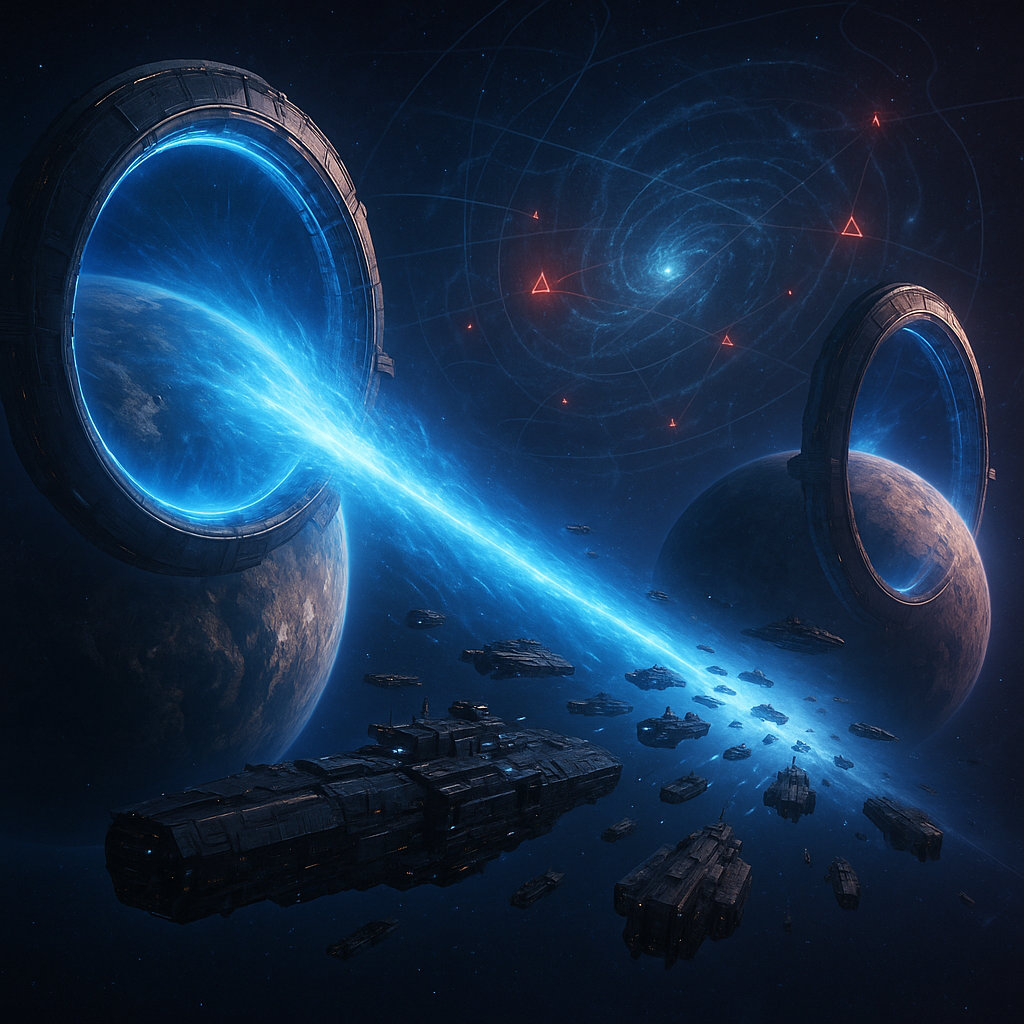
Teleport in War for Galaxy: When 5 Minutes Decide the Outcome of War
Imagine a typical crisis situation in War for Galaxy: an enemy fleet is already flying towards one of your planets. The orbital fleet is not composed of the ships needed for a confident defense, and the main ships remain at another colony where the strike group gathered yesterday. A usual relocation can take too much time, especially if the planets are spread across the galaxy. At this moment, the War for Galaxy Teleport stops being a "luxury building for later" and becomes a tool capable of deciding the battle before the first shot.
The Teleport is a strategic building for rapid relocation of your own fleets between your own planets. It works only between your colonies and/or your main planet, and the Teleport must be built on both ends of the route: on the departure planet and on the destination planet. The travel time is fixed — 5 minutes. It does not depend on distance and doesn't stretch out due to mileage or turn into multi-hour flights across the map.
That is why in strong online strategy games, mobility is often valued as much as fleet size. War for Galaxy is a galaxy game from the world of space games where not only ships, technologies, and resources matter but also timing. In space games and strategy games, victory belongs not just to the one who built more, but to the one who managed to bring power where it is needed right now.
However, the Teleport should not be perceived as a universal victory button. It is not a weapon, it does not launch attacks, scan enemies, nor does it allow striking someone else's planet "out of nowhere." It cannot be used for attacks, reconnaissance, or other tasks against foreign planets. It is a tool of strategic mobility: front defense, assembling the strike fist, withdrawing fleets from dangerous areas, saving antimatter on interplanetary movements, and reducing dependence on long flights.
How to Unlock Teleport: Requirements, Cost, and Building Logic
The Teleport is an infrastructure of a developed empire, not an early building for the first colony. You need to grow into it: increase production, develop science, strengthen the fleet base, and understand which planets in your empire should really be connected by a fast route. In this, War for Galaxy acts like serious browser strategies and browser strategy games: strategic freedom comes not for free, but as a result of long-term development.
Three conditions are required to unlock Teleport construction:
- Dock level 8;
- Subspace Movement level 10;
- Thachyon Scanning level 10.
These requirements clearly show the building's role. Teleport appears at a stage when the player already has several planets, real routes between them, and a fleet too valuable to lose because of slow logistics. For space MMO games and long space games, this is a natural point of account maturity: you start thinking not about a single planet, but about a network of key nodes.
The cost of the first level Teleport:
- 2,000,000 Titanium;
- 4,000,000 Silicon;
- 2,000,000 Antimatter;
The cost of subsequent levels doubles following the standard building scheme. Therefore, the Teleport should not be placed "for decoration" or on a random colony. This is an expensive strategic investment that should solve a specific task: cover the front, connect the capital with the industrial base, help assemble the fleet before the operation, or support a planet that often faces threats.
The main building rule is simple: one Teleport does not create a route. If you build it only on the capital, the fleet will not be able to teleport to a colony without the same building there. The system will not allow sending to a planet without a Teleport. So plan not a single building, but at least a pair of points.
Good candidates for the first pair are the capital, industrial colony, frontline planet, and the place where the main fleet is often based. If access is already open, investing in a Teleport is really worth it: even the 1st level provides a noticeable increase in tactical freedom. But only if you have the second side of the route. Without it, the Teleport turns into very expensive decor.
Teleport Mechanics: 5 Minutes, 1 Fleet Slot, No Fuel and No Cancellation
The mechanics of the Teleport are simple but require discipline. You select your planet with a Teleport where the desired fleet is located, then indicate another of your colonies or main planet that also has a Teleport, form the transfer composition, and launch the operation. After a fixed 5 minutes, the fleet arrives at the destination planet.
These 5 minutes are the main advantage. For normal flights, the distance between planets can turn the maneuver into long logistics, but Teleport gives a predictable short window. In real time strategy games, the value of this mechanic is obvious: it's important not just to have strong ships, but to get them to the right point before the enemy completes their plan.
Each teleportation takes 1 fleet slot, like a normal flight. This limitation cannot be ignored. If all slots are occupied by attacks, transportation, reconnaissance, or other tasks, you may not be able to start a transfer at a critical moment. The Teleport does not create an additional "free" slot above the limit — the operation counts as active fleet movement.
However, no fuel is consumed: movement through Teleport occurs without spending antimatter. For heavy groupings, regular base changes, and frequent interplanetary maneuvers, this is a significant plus. In spaceship games and space ship games, fuel logistics often limit the pace of war; Teleport specifically addresses this pain, but only within its rules.
Remember these restrictions before your first battle:
- The Teleport only works with your own fleets.
- You cannot move other players’ fleets through it — even allies.
- The Teleport only works between your own planets with Teleports.
- It is not used against foreign planets: neither for attack, reconnaissance, nor other missions.
- Once launched, teleportation cannot be canceled.
The Teleport level affects two parameters. The first is the maximum fleet carrying capacity that can be transferred at once. The higher the level, the larger the grouping allowed. The second is the cooldown time: upgrading reduces the pause between uses.
The exact formulas for capacity and cooldown are not disclosed by the developers, so do not build your strategy on unverified tables. It's better to rely on gameplay and verify in advance whether your typical combat composition fits the current level limit. If the fleet is too large, the system will warn and not send it. It's better to know this in calm preparation than when the enemy timer is already ticking.
When Teleport Wins Wars: Defense, Maneuver, and Assembling the Strike Fist
Teleport does not increase ship damage or armor, but in real space battles, it can decide more than an extra group of frigates. The reason is simple: a fleet is strong only where it arrived on time. Five minutes between your planets with Teleports — this is not just ordinary logistics, but a military sprint.
Quickly reinforce the burning front
A classic situation for online strategy games and browser strategies: you have several colonies, the main reserve is held in the rear, and the enemy pressures another planet. Without Teleport, you have to calculate flight time and hope the defense holds. With Teleport, you can transfer your fleet to the necessary planet in a fixed 5 minutes if both route ends are prepared.
This is especially useful for coordinated defense. Instead of holding a full combat group on every colony, you can form several key nodes. See a threat — move reserves where the battle will be. The enemy expected a weak target, but a few minutes later receives a completely different layout.
Withdraw fleet from attack
The Teleport works in reverse too: it helps not only to pull forces but also to save them. If you notice an enemy sortie on a planet with a valuable fleet, you can send ships to another of your planets with a Teleport. This does not cancel the enemy attack nor protect the planet automatically, but your fleet may avoid being sacrificed if you acted in time.
Attention is crucial here. Teleportation cannot be canceled once started, so before clicking, check the route, fleet composition, free slot, and consequences for both planets. A directional mistake can cost as much as a delay.
Assemble the strike fist before the attack
Teleport does not send fleets directly to hostile planets and is not an attacking mission. Its task is to change the base point of your own fleet. But this makes it a powerful tempo tool: before a large operation, you can quickly gather ships on the needed planet without hours of interplanetary flights and without spending antimatter on fuel.
Post-transfer actions proceed under normal game rules: attack, joint attack, or other missions are launched separately. For space combat games, this is an important distinction. Teleport does not replace combat mechanics; it delivers your fleet to the launch position faster.
Save antimatter on regular transfers
In the long run, Teleport is valuable not only in battle but also in war economy. Active players constantly move ships: pull transports, change fleet bases, move combat groups closer to the front, prepare defense. Normal flights require antimatter fuel, but teleportation uses no fuel. The more you maneuver between key planets, the more antimatter remains for development, construction, and future operations.
How Teleport fits with Alliance War
In alliance conflicts, Teleport helps your personal account: gather forces faster, prepare defense, bring fleet to the start point. But it does not teleport allies nor works with other players’ fleets, even if you are in the same alliance.
Do not confuse it with the "Defense" mission: this is a separate mechanic available only among alliance members, and the defended planet must have a Refueling Base built. Also, do not confuse it with Joint Attack: a separate mechanism for alliance members that allows combining fleets into a single strike fist. Teleport only helps you bring your own fleet faster to where you will join the bigger war.
Upgrades and Common Mistakes: How Not to Turn Teleport into Expensive Decoration
Teleport reveals its potential not by "build and forget", but through smart logistics. Levels matter for two reasons: the maximum fleet carrying capacity per transfer increases, and cooldown decreases. A high level means more ships in one window and less downtime between critical moves.
Since exact formulas are undisclosed, plan upgrades based on your actual fleet composition. What do you usually transfer: light ships, heavy core, transports, or mixed groups? If your usual combat group exceeds the limit, that level has become a bottleneck. If you rarely use the route, maybe it's better first to develop a second strategic pair rather than investing everything into one node.
Common errors include:
- Building Teleport only on one planet. A working route requires two points.
- Trying to send a fleet to a planet without a Teleport. The system will not permit this operation.
- Forgetting about fleet slots. Teleportation consumes 1 slot like a normal flight.
- Starting a transfer without checking. Once started, it cannot be canceled.
- Expecting to transfer allies. Teleport works only with your fleets.
- Confusing Teleport with attack. It changes the base point but is not a mission against enemy planets.
Additionally, remember about the Marauder. It cannot be relocated to another of your planets: each Marauder is bound to its home planet and performs only the "Steal" mission with a subsequent return home. It does not participate in attacks or battles and cannot be destroyed during attacks on its home planet. Therefore, do not plan Teleport as a universal elevator for all units without exceptions.
Conclusion: Teleport — Insurance, Logistics, and a Tempo Weapon
In War for Galaxy, victory goes not only to the one with the most ships in hangars. Galactic wars are often decided by who relocates power faster to where it is needed right now. Teleport does not shoot, scan, or launch attacks, but it changes the game's tempo. Within a fixed 5 minutes, you can transfer your own fleet between your planets with Teleports, save ships under attack, strengthen defense, prepare assembly before an attack, and save antimatter on interplanetary logistics.
Before building, check this short checklist:
- Whether Dock level 8, Subspace Movement level 10, and Thachyon Scanning level 10 are unlocked;
- Whether 2,000,000 Titanium, 4,000,000 Silicon, and 2,000,000 Antimatter are ready for the 1st level;
- If at least two planets for a working route are chosen;
- If you understand carrying capacity limits and cooldown;
- If you have a free fleet slot for the operation;
- Remember that teleportation cannot be canceled after launch.
If you enjoy galaxy games, space games, browser strategies, and well-thought-out space games, Teleport will become one of those tools that do not provide flashy damage numbers but win wars through tempo. Visit War for Galaxy, check your routes, evaluate the key planets of the empire, and if the infrastructure is ready, build your first pair of Teleports. And if you prefer to play via the client, use the official page: download War for Galaxy.