

How to Create an Alliance by New Rules and Choose the First Planet Correctly in War for Galaxy
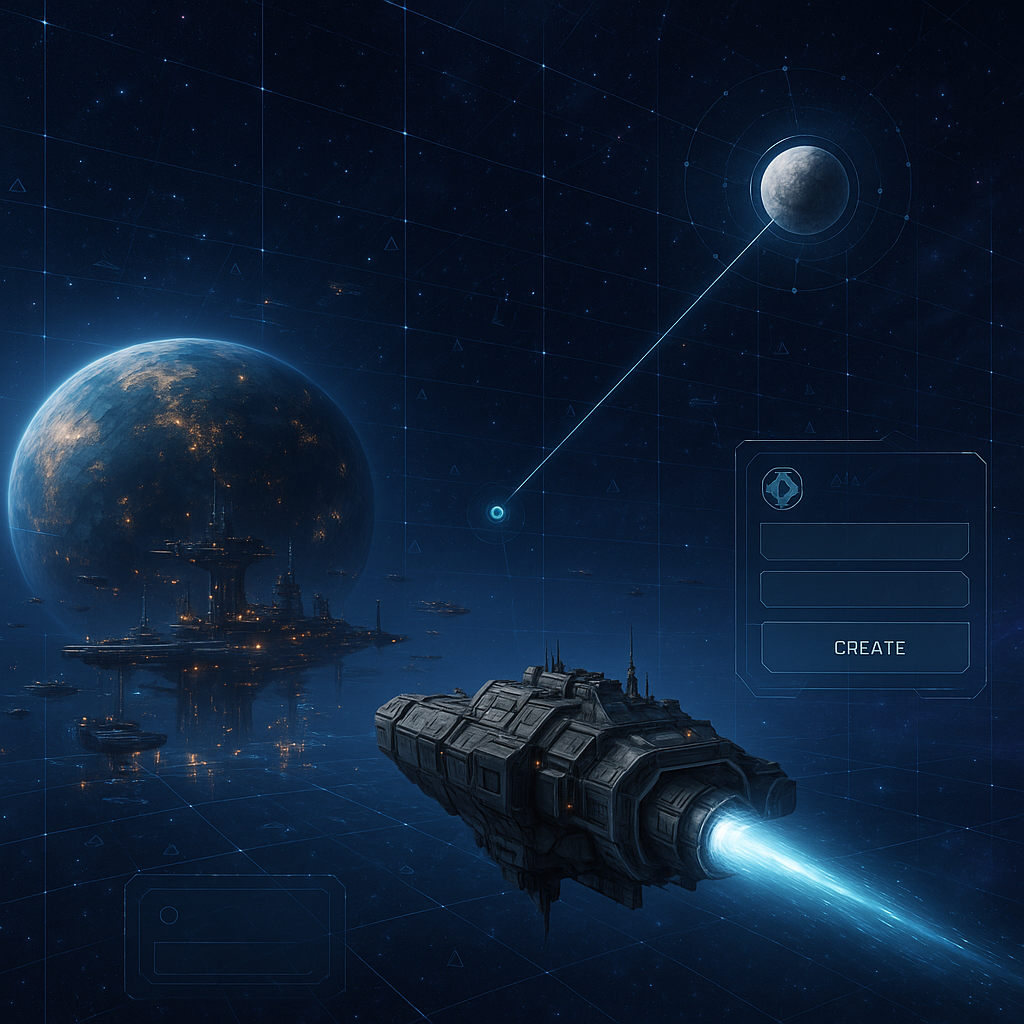
How to Create an Alliance by New Rules and Choose the First Planet Correctly in War for Galaxy
Creating an Alliance in War for Galaxy is not just a social button, a profile decoration, or a chat "for insiders." It is a transition from a personal empire to a collective territorial game. While a regular account manages your planets, production, fleet, research, and personal decisions, the Alliance becomes a joint military structure through which the team fights for control of the galaxy.
According to the game rules, an Alliance is a union of players forming a shared Alliance multi-account to capture and control territories. In simple terms: a regular account is your own empire, and an Alliance is a joint tool for war, holding alliance planets, and influencing the map. That's why creating an Alliance should be seen not as a formality but as the first strategic step.
For fans of browser strategies, online strategies, space games, and space battles, this is where one of the most important layers of War for Galaxy begins. The game functions as a galaxy game in genres including space games, strategy games, browser strategy games, and online strategy games: you develop the economy, build ships, choose targets, and then face the fact that solo might is only part of the success. The other part is coordination, shared logistics, system control, and the ability to hold territory in opposition to other Alliances.
The main mistake of beginners is to think that an Alliance is created instantly after clicking the button. Under the new rules, the start depends on a specific ship and a specific empty planet. You need one Pathfinder ship, a selected active planet, coordinates of an empty target, and an understanding that the Alliance will appear only after the ship arrives. Below is a practical route without unnecessary guesswork: what to prepare, how to choose the first planet, which fields to fill in the interface, and what to do after successful creation.
Preparation Before Creation: One Pathfinder Needed
Before opening the Alliance creation window, check the key condition: 1 Pathfinder is required to create the Alliance. Not a transport, not a combat fleet "just in case," not multiple ships of different classes, and not a special item, but exactly a Pathfinder. In the mechanics of Alliance creation, it acts as the starting ship that is sent to the future first alliance planet.
It is especially important to remember the second rule: after pressing "Create" the Pathfinder launches from the active planet. Therefore, before clicking, make sure that the active planet is exactly the one from which the ship should start. Do not expect that the game will automatically find the Pathfinder somewhere in your empire and send it from there. The practically safest approach is to first select the necessary planet, check for the ship's presence, and only then go to the Alliance section.
A mini-check before opening the creation window:
- The active planet has one Pathfinder. Not just "built somewhere," but located on the currently selected planet.
- The active planet is consciously chosen. The launch will happen from here after clicking the button.
- The ship is ready to launch. Do not plan the start as if it can teleport from another colony or launch without checks.
To avoid confusing the Pathfinder with transport or combat ships, it is helpful to keep its main characteristics in mind. The base speed of the Pathfinder is 2,500, engine type is Annihilation Engine, cargo hold volume is 7,500, fuel consumption is 1,000. This is not an instant flight: after launch, you will have to wait for the ship to reach the selected empty planet.
The construction cost of the Pathfinder is 10,000 Titanium, 20,000 Silicon, and 10,000 Antimatter. Requirements: Dock Level 4, Annihilation Engine Level 3, and Planet Mastery Level 2. If you don't have any of these yet, first complete your technological and production preparations. According to confirmed Alliance creation rules, no additional ships, separate resource fees for the creation button itself, or special items are required, so do not complicate the process with non-existent conditions.
How to Choose the First Alliance Planet
The first Alliance planet is not just a point where the ship will fly. It sets the starting position for your future territorial strategy. In the Alliance creation window, you need to specify the coordinates of exactly a empty planet, so before entering the coordinates, calmly check the target on the map. A one-digit error or choosing the wrong planet can spoil your starting plan.
You need a free planet, not a player’s planet, not an alliance planet, and not coordinates remembered by heart. Coordinates in War for Galaxy represent the actual route for the Pathfinder. After clicking "Create," the ship will fly from the active planet to the specified target, and the Alliance will only be created upon arrival.
What to check before entering coordinates:
- The planet is truly empty. The creation rule requires coordinates of an empty planet.
- Coordinates are entered without error. Do not rely on memory: double-check the system and position.
- You understand the system’s location. Look not only at one planet but also consider future routes for expansion, defense, and pressure.
- You accept the unknown parameters. Before colonization, you won’t know the fields/sectors and temperature of the free planet.
The last point is especially important. Parameters of a free planet, including the number of fields/sectors and temperature, cannot be known in advance. To get these data, the planet must first be colonized. Therefore, advice such as "select an empty planet with guaranteed better temperature" or "check the number of fields beforehand" does not comply with the rules. This information is unavailable until settled.
The right logic for selection is not chasing mythical ideal hidden parameters, but choosing a meaningful entry point. The first planet should be useful as the starting presence of the Alliance: a convenient system, a clear direction for future expansion, the ability to increase the number of alliance planets, and hold the position.
Ownership mechanics of the system makes this choice particularly significant. An Alliance owns a planetary system if the Alliance multi-account has at least one planet in it. If several Alliance accounts have planets in one system, the owner is the one with the most planets captured in that system. If the number of captured planets is equal, the system belongs to no one. Hence, the first planet is not a final victory for the system, but the first stake in the battle for control.
Step-by-Step: "Alliance" → "Create" → Name and Coordinates
When the Pathfinder is ready, the active planet is checked, and the empty target is selected, the procedure in the interface becomes simple. The main thing is not to rush at the last step and remember: the Alliance is created not at the moment of pressing the button but after the Pathfinder reaches the target.
- Check the active planet. It must have one Pathfinder that will fly to create the Alliance. The launch will take place exactly from the active planet.
- Open the "Alliance" section. This is the starting point of the operation. If in doubt, go back to the map and verify the coordinates again.
- Select "Create." The necessary interface path: "Alliance" → "Create".
- Enter the Alliance name. This is a mandatory field. Check spelling: the name will become the face of your future military structure.
- Enter the coordinates of the empty planet. This is the second mandatory field. The target must be exactly empty.
- Click "Create." After clicking, the Pathfinder launches from the active planet. This starts the flight, not the final appearance of the Alliance.
- Wait for the ship’s arrival. When the Pathfinder reaches the target, the Alliance will be created.
Before clicking "Create," run through a short checklist: Alliance name entered without typos; coordinates point to the chosen empty planet; the active planet is exactly the one from which the ship should start; the active planet has one Pathfinder. These four checks cover most creation errors.
If the Alliance does not appear instantly after clicking the button, do not panic. According to the new rules, the key moment is the Pathfinder's arrival at the target. While the ship is flying, the process is not finished. You can open the game through the official launch page: https://play.warforgalaxy.com/.
What Happens After Creation: The Alliance Multi-Account
After the Pathfinder arrives, you get more than just a name in the list. A shared Alliance multi-account appears in the game — a common account of the Alliance that all members can use. It is used for capturing and holding alliance planets, warring with other Alliances, and controlling territory. This is a separate collective structure, not an extension of a personal empire of a single player.
The multi-account differs markedly from a regular account. It has no main planet, and you cannot delete planets on it. Marauders do not appear in the multi-account; it does not affect pirate spawn and cannot attack pirates — attempts cause the error message "Alliance Code prohibits attacking Pirates". Also, Missions, Shop, Profile, and Reward Calendar are unavailable; there are no free Hermes tokens and you cannot delete reports.
There is an important advantage: the "Navigation" technology in the multi-account provides an increased bonus to fleet slots — +2 instead of +1. For territorial gameplay, this is significant: more slots help colonize, support logistics, prepare operations, and maintain multiple active directions.
Further expansion of the Alliance happens through this multi-account. Being in it, you can send a Pathfinder to an empty planet with the mission "Colonization". After fleet arrival, that planet becomes property of the Alliance multi-account. Thus, the starting point gradually transforms into a network of alliance planets and forms the basis for system control.
Alliance members also interact with shared planets but not as with their personal ones. From their regular accounts, players can send fleets to alliance planets on missions "Transport" and "Reallocation". Transportation delivers resources, reallocation transfers ships to the Alliance’s ownership. There is no reverse movement of ships: the multi-account can only receive ships, and reallocation from multi-account to regular planets is not available. Therefore, passing fleets to the Alliance is a contribution to the common military economy, not a temporary loan.
Checklist of Common Errors
Before creating the Alliance, it is useful to run through typical mistakes once. All are based on confirmed rules and mostly caused by haste.
- Attempting to create an Alliance without a Pathfinder. Exactly one Pathfinder is required, not transport or combat ships.
- Forgetting about the active planet. After clicking "Create," the ship launches from it, so selecting the active planet correctly is crucial.
- Entering coordinates of a non-empty planet. The creation window requires coordinates of an empty target.
- Expecting the Alliance to appear instantly. Creation completes after the Pathfinder’s arrival.
- Choosing the first planet based on pre-known fields or temperature. Such parameters of a free planet cannot be known before colonization.
- Confusing personal and Alliance multi-accounts. The former develops your empire, the latter exists for territories, captures, and Alliance wars.
The strategic meaning of the first alliance planet goes far beyond a single flight. It becomes the starting point for system control, future conflicts, and rankings. The overall Alliance rating depends on the value of all buildings, ships, and defenses. When the Alliance multi-account captures a planet from another Alliance, it gains rating points equivalent to the entire planet’s value; upon losing a planet, it loses corresponding points.
It is also important to understand the capture mechanics limit. Only Alliance multi-accounts can capture planets, and only from other Alliances. If an ordinary player attacks an Alliance planet and wins, the ownership does not change: it will be a standard raid with looting, not territory transfer.
If everything is ready, do not postpone the start. Check the active planet, ensure it has a Pathfinder, select an empty target, open "Alliance" → "Create", enter the name and coordinates, then wait for the ship’s arrival. You can start on the official site War for Galaxy, launch the game via the official page, or see installation options on the download page. For those interested in real-time strategy games, spaceship games, space MMO games, and space combat games, creating an Alliance is the moment when personal development turns into a real war for galactic territory.