

War for Galaxy Exchange: Lot Limits, Conditional Cost, and Why Resources Aren't Listed
War for Galaxy Exchange: Lot Limits, Conditional Cost, and Why Resources Aren't Listed
A common question often appears in the War for Galaxy game chat: why isn't a large resource lot listed on the Exchange even when, at first glance, the chosen planet seems to have enough titanium, silicon, or antimatter? Players compare volumes, recall past transactions, look at the current rate, and sometimes hastily conclude that "something is wrong" with the lot.
This article does not declare such cases as errors nor argue over specific market prices. Exchange rates shift frequently, and the numbers valid yesterday or during chat discussions may no longer match the game interface. It's far more useful to understand the verification rules: what exactly does the system check before creating a deal, why large volumes may fail, and what conditions should be double-checked before retrying.
War for Galaxy is a galaxy game in the space game genre, where the economy impacts development pace as much as fleets, research, colonization, and space battles. Strong logistics help build ships, develop planets, and prepare for wars, but overlooking trading rules can lead to lost time and forfeited deposits.
War for Galaxy Exchange is a marketplace where players trade titanium, silicon, and antimatter. One player creates a lot, another buys it on indicated terms. On a basic level, it seems simple, but large deals undergo checks beyond just the resource quantity on a planet. The main confusion source is the upper limit, which is based on the lot's conditional cost.
Main Rule for Limits: Conditional Cost is Considered, Not Just Resource Volume
The most common mistake when using the Exchange is focusing only on resource quantity. A player chooses a large volume of titanium, silicon, or antimatter, sees that the resource exists on the planet, and expects the lot to be created. But for the upper limit, the Exchange evaluates not just the number but the conditional cost of the deal.
Basic lot boundaries are:
- Minimum lot size — 5,000 resource units;
- Maximum lot size — 60,000,000 conditional units;
- Upper limit is measured by the lot's conditional cost, not just resource quantity.
Because of this, the same number of different resources can behave differently. A certain volume at a given rate fits within the limit, while another, at its rate, hits the maximum. Visually, a “large pile” of a cheaper resource may be accepted, but a smaller volume of a more expensive resource may not. Therefore, the reference “I’ve listed the same number of units before” doesn't always help: the system checks the total conditional cost.
Before making a large deal, it is important to consider the whole picture: which resource is chosen, how many units are offered, and what the Exchange interface shows as the current rate. This combination determines if the lot fits within the 60,000,000 conditional unit maximum. If the deal doesn't create, don't immediately blame the resource or the “magical” quantity. Start by checking the conditional cost.
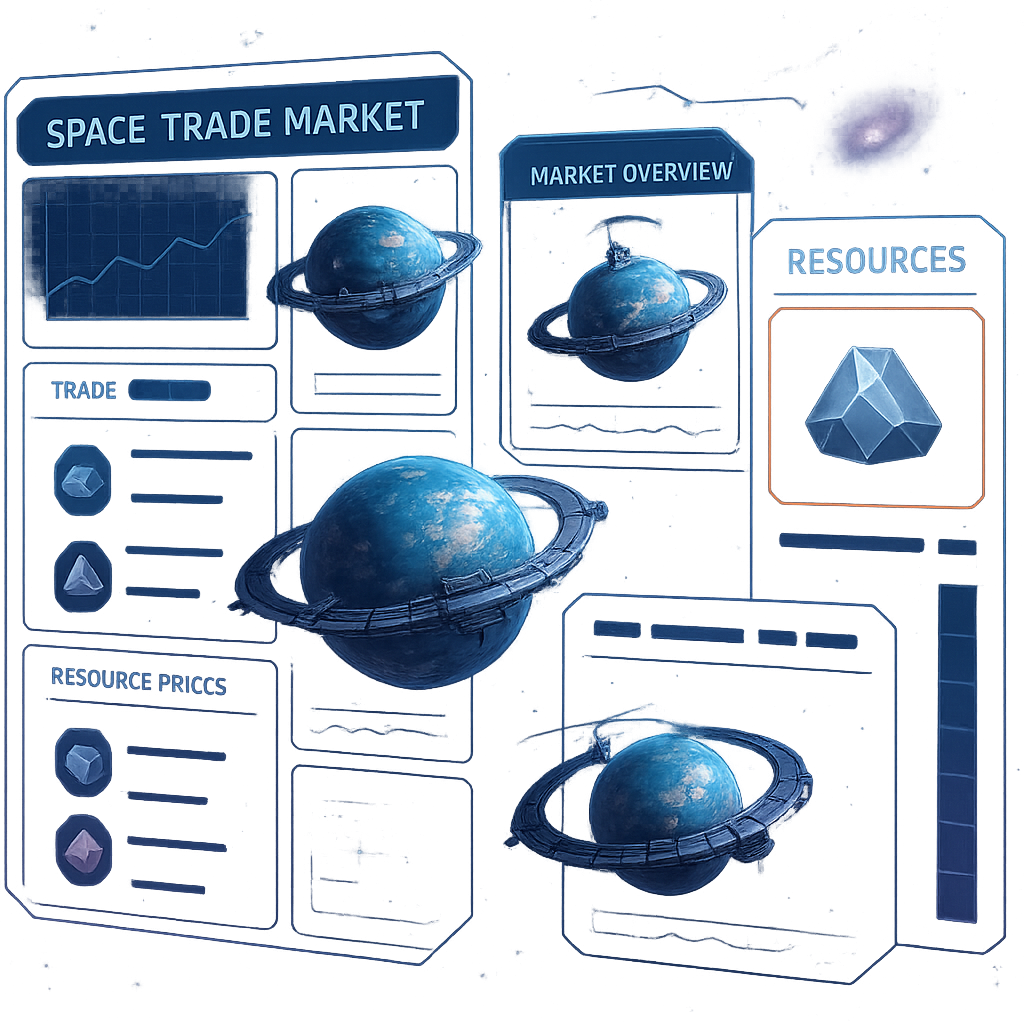
The Exchange interface displays current market rates with trend indicators and a graph showing price changes over the past 24 hours. This is working information to prepare deals, not a guarantee rates will remain the same later. For browser strategy games and online strategy games, such limits are a normal part of a managed economy: the market should be understandable, large deals controllable, and the lot list clear for players.
The practical takeaway: when planning a big trade, calculate not just “how much resource I want to sell” but also “what this volume converts to in conditional cost.” War for Galaxy Exchange verifies large lots from this perspective.
Why a Lot Doesn't Get Listed: A Checklist Before Trying Again
If a lot isn't created, the system usually just blocks the deal due to one condition. Remember: it checks not your entire empire or total reserves across colonies, but specifically the selected planet from which you attempt to list the resource.
In real-time strategy games and space MMO games, planetary status changes quickly: some resources are spent on construction, storage fills with production, transports from other planets might be delayed, a colony might be under attack, or an active lot may already exist. Before retrying, follow this brief but strict checklist:
- Insufficient resource for sale on the chosen planet. The Exchange considers only the stock on the planet listing the lot. If the titanium, silicon, or antimatter reside on another colony, they're not available for the deal.
- No storage capacity for incoming resource. The deal must be feasible for both parties. If you sell one resource and want to receive another, there must be enough warehouse space on the chosen planet to receive it.
- There is already an active lot on this planet. One active lot per planet is allowed. You may have different deals on other planets, so check indicators per colony.
- The planet is under attack. You cannot list a lot if an enemy fleet is incoming. Wait until the situation resolves before trying again.
- Minimum lot size is violated. Lots smaller than 5,000 units are not accepted by the system.
- Exceeded the maximum by conditional cost. The upper boundary is 60,000,000 conditional units. If a large volume fails, check not just quantity but also the rate, as it affects the lot’s conditional cost.
If all these points look correct, perform one calm check: verify the right planet is chosen, confirm no extra zeros in volume, ensure the rate matches expectations, check warehouse space for the incoming resource, and confirm the planet’s state hasn’t changed. Then refresh the interface data and try creating the lot again through the game.
If the lot still doesn’t go through despite all rules met, collect details: planet, resource, volume, visible rate, free warehouse space, and the planet's current status. Contact support through game channels. This makes it easier to identify where the deal fails checks, avoiding guesses or premature conclusions.
Deal Economics: Resource Locking, Commission, Deposit, and Lot Duration
After a lot is listed, resources do not remain freely available on the planet. They are immediately locked by the system for that specific deal. While the lot is active, these units cannot be spent on buildings, research, fleets, defense, or other actions.
Locking has an important advantage: resources on the Exchange are protected from theft. If the planet is attacked, the locked resource isn’t counted as freely available stock. For space games and space combat games, this is logical: the resource is reserved by the marketplace, not left unprotected in storage.
Lot lifetime is 24 hours. During this time, other players may buy it if resource, volume, and rate suit them. All Exchange transactions are instant upon purchase: the buyer buys the lot, and the exchange happens instantly with no transport flight or delivery timer.
The commission is charged at purchase: buyers pay 5% commission. Sellers receive exactly the amount stated in the lot. This key distinction means if you list a deal for a specific volume of desired resource, commission doesn’t reduce your amount—it’s added to the buyer’s cost.
- Seller locks the offered resource and waits for a purchase.
- Buyer pays the stated amount plus 5% commission at purchase.
- The deal closes immediately after purchase.
There is a risk with the lot, especially if priced too high. You can manually cancel a lot, but must forfeit 5% insurance deposit of the offered volume. If the lot is not sold within 24 hours, it gets automatically withdrawn and the deposit is also lost. Thus, the “I’ll list it expensive and wait” strategy requires readiness to wait and accept possible deposit loss.
Additionally, you cannot buy your own lot, even from another planet in your empire. The Exchange is for trades between players, not internal resource transfers within your empire.
Where to Check What Happened to a Lot
If a lot disappears from the Exchange, do not guess just by looking at warehouses. The fate of every lot is recorded in the "Notifications" section. After any lot operation, the system sends a message there: lot purchased, manually cancelled, or auto-removed after expiration.
You can open "Notifications" via the Communicator icon at the lower left of the screen. For newcomers to browser strategy and space games, this is an important navigation element: it helps verify not only battle events but also trading results.
There are three key event types related to lots in notifications:
- lot purchase — the deal completed and was logged;
- manual cancellation — you removed the lot yourself;
- expiration — the lot lasted 24 hours and was auto-removed.
Important: notifications are the only source for lot status information. To understand a lot’s fate, check not only planet resources but also system messages. This reduces risk of confusion between purchase, cancellation, and auto-removal.
The Exchange interface also helps control trade. It shows others’ active lots grouped by resource type and lists your planets with indicators of active lots and timers. For large empires, this is especially helpful to quickly see where trading slots are busy and how long until lots expire.
Before a Large Deal: A Quick Reminder
It’s better to prepare a large lot carefully, not by eye — like an important fleet sortie: first check the planet, then volume, then deal conditions. A few minutes of verification usually save more time than repeatedly trying to list resources and examining what limit blocked the deal.
Before sending a big amount of titanium, silicon, or antimatter to market, review this checklist:
- Select the correct planet. The resource must be located on the planet creating the lot.
- Check active lots per planet. Only one active lot per planet is allowed.
- Ensure the planet is not under attack. Lot listing isn't available during attacks.
- Verify minimum lot size. It must be at least 5,000 resource units.
- Calculate large volumes against the maximum. The upper bound is 60,000,000 conditional units, a limit based on conditional cost, not just quantity.
- Check storage space. The planet must have room for the resource you’ll receive after sale.
- Remember the 24-hour lifetime and 5% deposit. Canceling or expiration without purchase forfeits the deposit.
The next step is simple: open War for Galaxy in your browser, go to the Exchange, check active lots per planet, and before listing a major deal verify limits, current rate, volume, and storage conditions. These details usually determine whether a lot will pass.
If you prefer playing on multiple devices, visit the War for Galaxy downloads page or install the game via Google Play and App Store. This does not change market rules, commissions, rates, or limits, but offers convenient access to your economy when you need to quickly check the Exchange.
The War for Galaxy Exchange is an economics tool, not a guessing game. Open the Exchange in-game, check your planets, view current rates, and only then list a large lot. Careful verification of conditional cost, limits, and storage reduces risks of losing time, trading slots, and 5% insurance deposits.