

Pirates, Debris, and Collectors: Why Loot Isn't Automatically Collected After Battle
Pirates, Debris, and Collectors: Why Loot Isn't Automatically Collected After Battle
One of the most frequent situations after initial pirate raids in War for Galaxy looks like this: battle report received, pirate fleet destroyed, your ships returned home, but the planet's stocks have not been replenished. A newbie might easily conclude that the reward vanished, the battle "didn't count," or for some reason the resources didn't make it back. In reality, it's usually much simpler: loot after pirate battles is not automatically collected by your regular combat fleet.
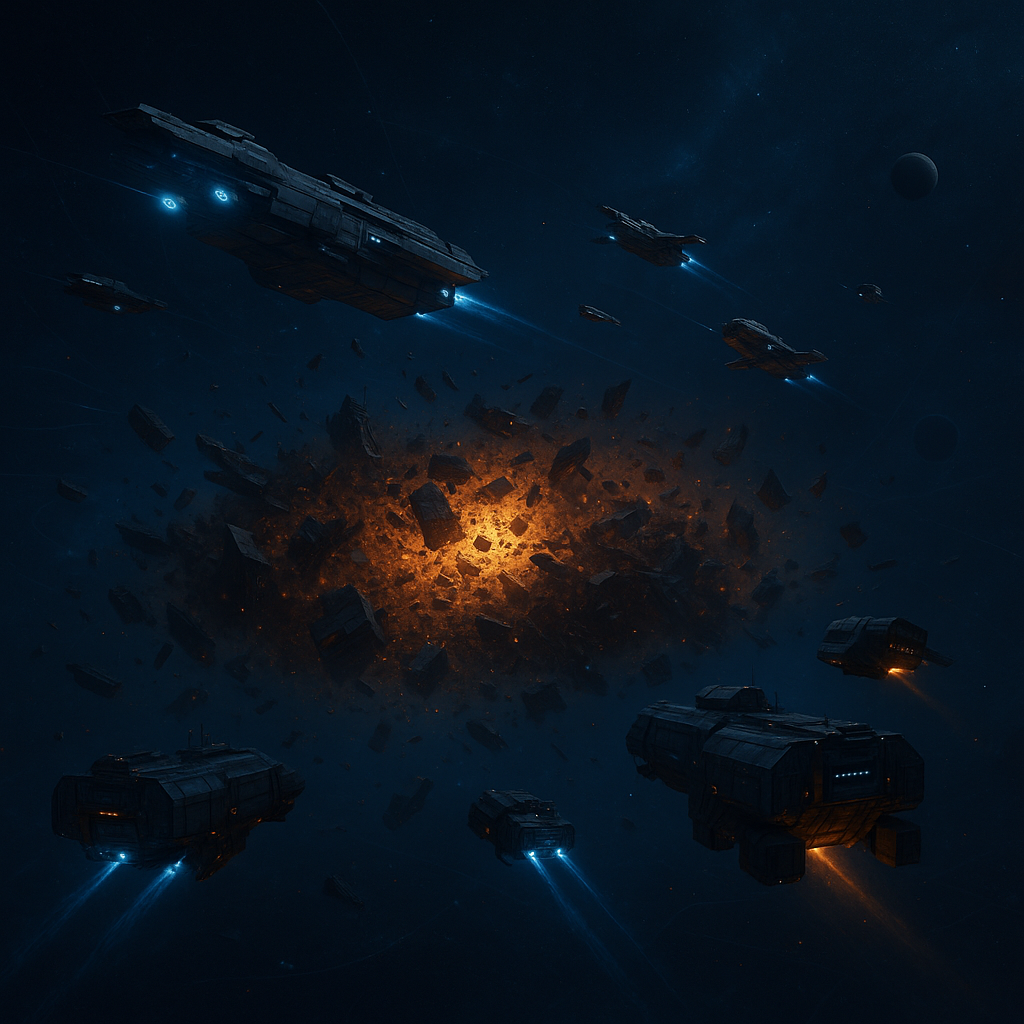
Pirate fleets, once destroyed, leave a debris field on the map. It's exactly there that the resources remain, which the player perceives as loot after victory. The combat fleet completes only its task: reaches the target, engages in space battle, wins, and returns. However, it does not turn into a collector just because it participated in the attack or has cargo bays.
This is an important War for Galaxy mechanic as a galaxy game, online strategy, and one of the space browser strategies: fighting and collecting battle aftermath are separate stages. First, you destroy the target, then you locate the debris field and separately send specialized ships for recycling. So if resources do not appear on the planet after victory, don't rush to panic. Most likely, they are still not in your storage but remain in the debris field at the battle coordinates.
Who Can Collect Debris: Why Only Collectors Are Needed
The main mechanic rule is short and simple: only Collectors assigned to the "Recycling" mission can process debris. Not combat ships, nor shuttles, or transport, or any ship with cargo holds. If you send the wrong fleet type, the debris field remains on the map until proper ships recycle it.
This is where most confusion arises. A player sees that various ships have cargo bay capacity and logically concludes: if a ship can carry something, it should be able to collect resources from debris. But in War for Galaxy, cargo capacity alone does not grant recycling ability. Participation in combat also doesn't grant a ship the capability to collect debris after victory.
For example, Transport ships have a cargo capacity of 25,000 units, which is more than a Collector's. Yet Transport is not a ship capable of debris recycling. Its cargo bays serve other tasks. A Collector has a cargo capacity of 20,000 units and is specifically designed to work with debris fields via the "Recycling" mission. This exemplifies how in spaceship games and browser strategy games, ship roles are divided not only by capacity but also by purpose.
Technically, a Collector is a specialized auxiliary ship. Its base speed is 2,000, fuel consumption 300, cargo capacity 20,000 units. To build a Collector, you need a Level 4 Dock, Level 6 Baryon Engine, and Level 2 Ship Defense. These parameters are important not as tables to memorize, but so you can properly plan pirate farming: without Collectors, victories over pirates won't reliably turn into resources as they could.
The practical takeaway is simple: if you intend to regularly attack pirates, have Collectors ready in advance. The combat fleet wins the fight, but the economic benefit of that fight is secured by the collectors. Without them, you can destroy pirates, see debris fields, and still not get resources on your planet.
The Correct Procedure: From Finding Pirates to Returning Resources
To avoid pirate farming from becoming a series of disappointments, it's useful to keep the full cycle in mind. In War for Galaxy, it involves not just one click of "attack," but several sequential decisions. This logic is familiar to players of space games, real-time strategy games, and space combat games: victory is important, but the logistics after victory are no less so.
- Find a pirate fleet on the map within your system. Beginners should start with easier pirates in their own system to understand the battle process, assess fleet losses, and learn how quickly debris fields can be collected post-victory.
- Evaluate the target and send an appropriate combat fleet. Think beyond just ship cost. A strong fleet in War for Galaxy is a well-composed fleet, not simply the most expensive. Different ships fulfill different roles, and outcomes depend on more than just total fleet price.
- After victory, check the map. Your combat fleet will return after attack, but loot won't appear automatically alongside it. Open the map, find the battle coordinates, and locate the newly appeared debris field.
- Send Collectors specifically to the debris field. Assign them to the "Recycling" mission. This is a separate trip after battle, not a continuation of the attack or automatic action of the combat fleet.
- Wait for the Collectors to return. Until they come back, resources are not yet on your planet. After they return, check the delivered loot and assess whether the capacity was sufficient.
Plan Collector capacity ahead. One Collector has 20,000 units capacity, but the post-battle debris field can be larger than the available carrying capacity of your collecting trip. If combined cargo capacity isn't enough, part of the debris may remain on the map, requiring more Collectors or another trip. Precise calculation depends on the specific debris field, but the habit of assessing capacity beforehand saves time and reduces the risk of leaving loot for other players.
A particularly useful tip for regular farming: keep multiple Collectors near the combat planet. That way, after pirate destruction, you can quickly dispatch collectors on "Recycling" rather than waiting for them to fly from afar. In browser and online strategies, reaction speed often matters as much as fleet strength: whoever closes the debris field faster turns victory into resources.
If you want to practice this cycle without hassle, visit the browser version of War for Galaxy, pick an easy pirate target within your system, and complete the entire sequence: attack, check map, dispatch Collectors, return with resources.
How Long Debris Lasts and Why You Shouldn't Delay Collection
Good news for those without Collectors nearby: debris after an attack does not have the usual lifetime. It doesn't vanish on a typical short timer after minutes or hours. The debris field persists until someone recycles it or the server restarts.
This means theoretically debris can be recovered later. If you’ve defeated pirates but Collectors are elsewhere, loot isn't instantly lost. You can dispatch collectors later if the field remains uncollected and the server hasn't rebooted.
But practically, you shouldn't delay. War for Galaxy is a live online strategy and space MMO where the map is visible to other players. Another player might spot the debris field after your battle and send their Collectors first. In that case, you win the battle but the resources go to another player's cargo. Mechanically, this is normal: the debris field exists in shared space and is taken by whoever recycles it first.
Therefore, develop a quick reflex after pirate battles: immediately open the map, find the debris field, estimate its size, and send Collectors. The more valuable the field, the more reasons to not leave it unattended. Even if debris doesn’t burn out quickly, competition remains a real risk.
A Short Summary about Pirates: How They Appear and Why Farm Them
Pirates in War for Galaxy are pirate fleet scouting groups appearing in planetary systems with active players. They create regular space battles without mandatory PvP: beginners get training opportunities, and experienced players receive a source of debris and a way to test fleet builds.
Pirates refresh approximately every 4 hours. At fixed times, the server checks planetary systems with active players. If the system has fewer pirate fleets than required, the server may add a random number of new pirate fleets — from 0 up to the needed count. Note: this check does not guarantee many targets immediately, but there's a chance for replenishment.
The composition of new pirate fleets depends on the average combat power of all inhabited planets in the system. Systems with beginners typically see low-rank light pirates, while systems with serious fleets may have stronger pirate flotillas, including heavy variants. Surroundings influence which targets you see on the map.
Importantly, pirates cannot be scanned. Don't waste time attempting to get a usual reconnaissance report on them. Instead, players learn to cautiously assess targets, avoid sending fleets blindly against obviously dangerous opponents, and start with accessible pirates in their system.
Pirates contribute almost no combat rating, so don't treat them as the main way up competitive leagues. Their value lies elsewhere: leaving debris, helping train fleets, and safely understanding battle mechanics rather than risking attacks on active players. For players enjoying space games, strategy games, and spaceship-themed games, this is a convenient training ground: you see the battle, analyze results, and quickly learn turning victory into economic gain via "Recycling".
A special note for alliances: alliance multi-accounts do not influence pirate spawn and cannot attack pirates. Attempts to do so will be blocked. Pirate farming is an ordinary player account task.
Common Mistakes When Collecting Debris
If loot regularly "disappears" after pirate battles, the cause is nearly always one of these frequent errors. Check yourself against this list.
- Sending Transport instead of Collectors. Transport has 25,000 units cargo capacity but does not perform "Recycling." Only Collectors can collect debris.
- Expecting automatic resource crediting. Victory over pirates creates a debris field, not an instant resource delivery to your warehouse.
- Underestimating required cargo capacity. If you have too few Collectors, the entire debris volume might not fit into one trip.
- Trying to scan pirates. Pirates cannot be scanned, so conventional reconnaissance attempts only waste time.
- Not keeping Collectors near the combat planet. While collectors travel from afar, another player may notice and collect the debris.
- Not checking the map after victory. You watch the battle report, fleet returns — and that's it. Meanwhile, debris remains at battle coordinates.
A Quick Pre-Pirate Raid Checklist
- Choose a pirate fleet realistically within your current combat build's strength.
- Send a suitable combat fleet and wait for battle results.
- After victory, open the map and find the debris field.
- Send Collectors to that field with the "Recycling" mission.
- Wait for Collectors to return and check delivered resources.
The best working rhythm is simple: keep several Collectors close to your combat planet in advance, immediately check the map after every pirate battle, and do not delay "Recycling." If you're a beginner, start with light pirates in your system and gradually learn to assess target strength. This way, you won't just win battles but will consistently turn them into resources.
Ready to put this into practice? Return to War for Galaxy in browser or install the game from the official download page. Defeating pirates is only half the job: the real loot goes to those who promptly locate debris fields and send Collectors on "Recycling."