

Why You Need an Alliance in War for Galaxy: A Guide to Multi-Account, Planet Capture, and System Control
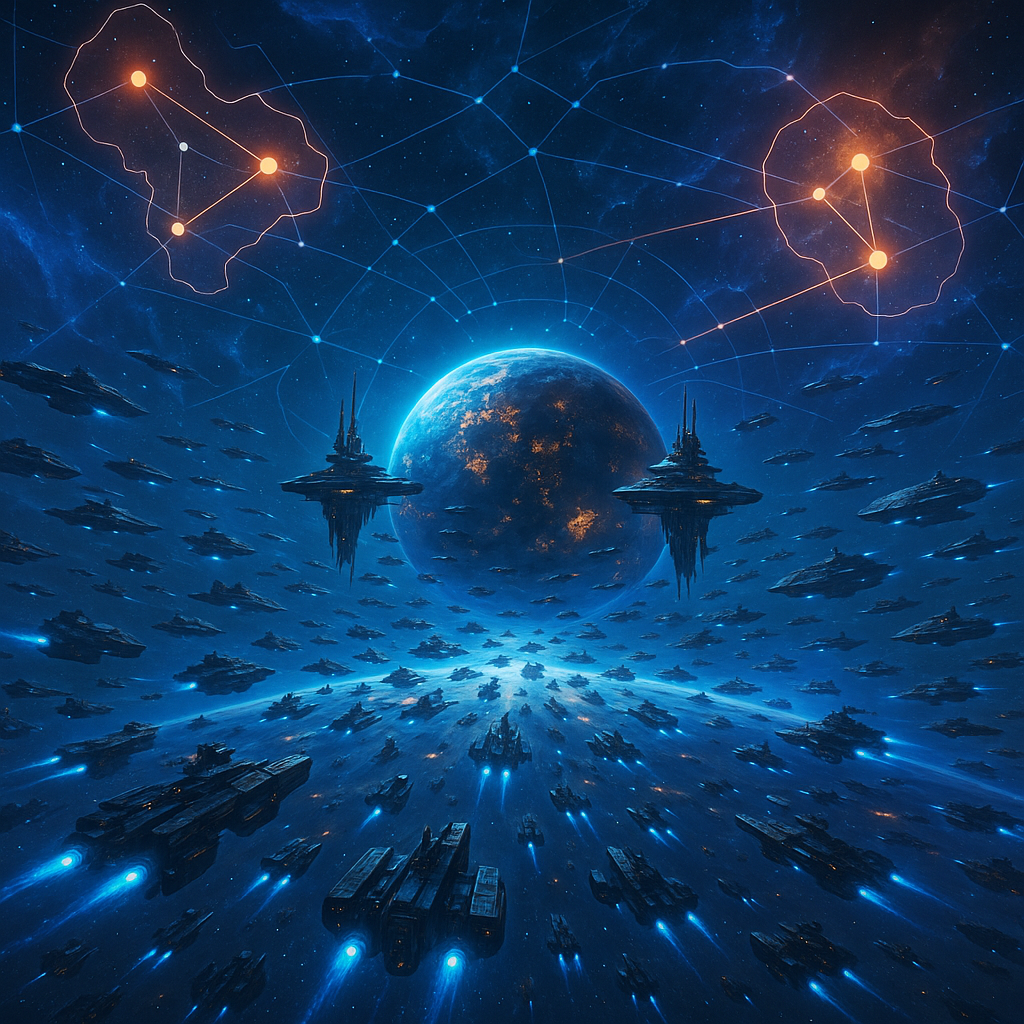
Why You Need an Alliance in War for Galaxy: A Guide to Multi-Account, Planet Capture, and System Control
Briefly: joining a War for Galaxy Alliance is worthwhile not just for a cool tag next to your name or for socializing alone. The Alliance is for those who want to play the galaxy as a large team war: attacking together, covering allies, taking alliance planets, competing for systems, and pushing the overall ranking upward.
According to the game rules, an Alliance is a union of players that creates a shared Alliance multi-account to capture and control territories in the galaxy. Simply put, a regular account is your personal empire: your planets, economy, fleet, research, mistakes, and victories. The Alliance is already a joint military and territorial structure where one player’s decisions can affect the entire team.
This is why in space online strategy games and browser strategies like War for Galaxy, team play shines especially. Space battles stop being lone sorties between two planets and become part of a large map: who has secured the system, who gathered allies in time, who held an important point, and who was left alone against an organized fleet.
This guide will help you understand why the War for Galaxy Alliance is essential, how the multi-account differs from a standard empire, how joint attacks, allied planet defense, resource and ship transfers, capturing War for Galaxy planets, and system control work. The material is aimed at beginners and mid-level players: focusing on mechanics and practical conclusions without discussing specific conflicts.
What Is an Alliance Multi-Account
Alliance multi-account is the shared account of the Alliance accessible to its members. It’s important to immediately understand: this is not a "second personal account" or a spare empire for normal development. The multi-account is created for collective tasks: to capture and hold alliance planets, wage wars with other Alliances, control territory, and strengthen the team’s position on the map.
Because of this, it has restrictions. The multi-account has no main planet, you can’t delete planets, no Marauders spawn, it does not affect pirate spawns and cannot attack pirates. Attempting such an attack returns an error: "The Alliance Code forbids attacking Pirates." Also, missions, the store, profile, and reward calendar are unavailable, no free Hermes tokens, and reports can’t be deleted.
Beginners sometimes think it’s a "limited account." In reality, it’s just a different tool. The regular account develops personal economy, performs usual actions, and builds its own fleet. The multi-account is the Alliance’s headquarters on the map: a shared asset that members are responsible for and which can become a target for other Alliances.
A key feature for military use is that the "Navigation" technology bonus to fleet slots in the multi-account is higher — +2 instead of +1. This emphasizes the multi-account’s role as a collective war object for moving forces and territory control, not a personal colony with a different owner.
What a Member Gets from the Alliance
The main benefit for a member is access to actions a solo player can’t replicate in the same way. The Alliance enables joint attacks, collective defense, the ability to support the shared multi-account with resources and ships, participate in capturing alliance planets, influence the Alliance ranking, and engage in the battle for system control. It brings War for Galaxy closer to real-time strategy and space MMO games: success depends not only on fleet size but coordination, timing, discipline, and trust among players.
Joint Attack
Joint attacks in War for Galaxy allow members of one Alliance to combine fleets into a single strike on a target. This is the only way to mass-join fleets specifically for attack: not several separate sorties but a coordinated combat fist.
A tactical key: the organizer must be the slowest participant. If an ally’s flight time is longer than the organizer’s, they won’t join in time and the synchronized strike will fail. So before launch, the active Alliance calculates times, speeds, fleet composition, and available slots, then sends the operation.
The maximum number of fleets in a joint attack depends on the organizer’s "Navigation" technology: ⌊Navigation level / 5⌋ + 1. For example, Navigation level 6 allows 2 fleets max; level 15 allows 4. This makes leader development and attack leader choice important in military planning.
Ally Planet Defense
The second important tool is the "Defense" task. It’s available only among members of one Alliance and allows temporarily placing a fleet in orbit of an allied planet. If that planet is attacked, the allied fleet joins defense with local forces.
But defense requires a condition: there must be a Refueling Base built on the planet. Its level determines the number of slots available for allied fleets—higher levels mean more slots for defense. Without a Refueling Base, the "Defense" task isn’t possible even between allies.
The fleet in "Defense" stays on the allied planet for 3 days / 72 hours or until the task is canceled, after which it returns home. This is useful to cover an important colony, hold a spot before conflict, or signal the enemy they face the Alliance’s defense, not a lone planet.
Contributing Resources and Ships
War for Galaxy has an important restriction: ordinary players cannot transfer troops to other ordinary players in any way. You can’t simply gift a friend your fleet directly. But players can help the Alliance.
From their regular accounts, players can send fleets to their Alliance planets with "Transportation" and "Relocation" missions. The first delivers resources; the second transfers ships ownership to the Alliance. After transfer, ships become part of the Alliance multi-account.
There’s no reverse transfer: the multi-account can receive ships but cannot send ships back to ordinary players. Relocation from multi-account to normal planets is not available. So contributing ships strengthens the overall military structure in reality, not just renting or temporary storing. Give ships only if you understand the goals, Alliance rules, and consequences.
Alliance Planets and Territory Capture
The main power of an Alliance shows on the map. The Alliance can create planets through the shared multi-account, colonize empty spots, capture planets from other Alliances, and build system networks. This is no longer simple looting for resources but territorial warfare.
How to Create an Alliance
Creating an Alliance needs 1 Pioneer. The process: open the "Alliance" window, click "Create", specify a name and coordinates of an empty planet. Clicking "Create" launches a Pioneer from the active planet. When it reaches the target, the Alliance is formed.
That means the Alliance is not made by an instant interface click but through an actual spaceship flight. So coordinates should be chosen beforehand: start planet, distance, flight time, and future map position matter.
How the Alliance Captures Empty Planets
After Alliance creation, new alliance planets are colonized in the name of the Alliance multi-account. To do so, be in the multi-account, send a Pioneer to an empty planet with the "Colonization" mission, and upon arrival, the planet becomes the multi-account’s property.
Alliance planets are marked distinctively on the map and differ from regular player planets. This visual marker shows it’s not just a personal colony but an Alliance object involved in territorial mechanics.
Regular Attack Is Not Capture
There’s often confusion here. A normal player can send a usual attack to another Alliance’s planet. If the attacker wins, there is a regular battle with looting, but control over the planet doesn’t change. A personal account can destroy fleets, pierce defenses, and loot resources in a normal attack, but cannot take over the Alliance planet.
Only Alliance multi-accounts can capture alliance planets from other Alliances. To do this, switch to the multi-account, pick a planet of another Alliance multi-account, and send a fleet with a standard attack mission.
If the attacking multi-account wins, the planet transfers to that Alliance. Buildings, defenses, and infrastructure become owned by the new owner, and the Alliance’s rating increases by the captured planet’s value. The organizer’s fleet remains on the planet. Other fleets joining the attack return to their start points after combat.
If the defender wins, the attacking fleets are destroyed and the planet remains theirs. Attacks between multi-accounts are thus strategic operations, not luck-based raids—requiring evaluation of defense, support, losses, and goal significance.
System Control, Ranking, and Synergy
Territorial logic in War for Galaxy centers on planetary systems. An Alliance owns a system if its multi-account holds at least one planet there. But if multiple Alliances hold planets in one system, ownership goes to the one with the most planets. If equal, the system belongs to none.
Because of this, one planet in a system is a foothold but not full control. To firmly hold a sector, Alliances must increase presence and prevent rivals from balancing counts.
The multi-account’s total ranking depends on the combined value of all buildings, ships, and defenses it owns. Capturing a planet from another Alliance grants the attacker the planet and its ranking points; the loser loses those points. Thus, Alliance wars impact the map, economy, ranking, and the team’s strategic stability.
There’s also a synergy bonus for linked neighboring systems. It applies locally to planets inside a connected network of adjacent systems; isolated systems get no bonus. Controlling 3 adjacent systems grants +1.5% to titanium, silicon, and antimatter production. Each additional connected system adds +0.5%, up to a base max of 50%. So strong Alliances think in control chains, not isolated points.
What If the Leader Disappears
Sometimes an Alliance exists on the map, planets stand, the multi-account is intact, but the leader hasn’t appeared for a while. This doesn’t always mean a bug. It’s important to understand the "sevens" mechanic: these are players’ planets whose owners have been offline for seven or more days.
If the Alliance leader becomes a "seven," a random active Alliance member becomes the new leader. If all members are "sevens," leadership does not change. So an unusual situation on the interface isn’t necessarily a bug: first check members’ activity and signs of the Alliance’s life.
An active Alliance is usually noticeable by work: members online, responding to questions, coordinating attacks and defense, explaining contribution rules, developing the multi-account meaningfully, and having goals for planets or systems. If the interface is buggy, statuses don’t update, or buttons act incorrectly, it’s best to contact support via the official War for Galaxy website: https://warforgalaxy.com/en/about_us.
Is Joining an Alliance Worthwhile: A Checklist
The Alliance is especially useful for players interested in space combat and spaceship games in team-war formats: joint attacks, ally defense, capturing alliance planets, system control, and contributing to overall ranking. If you want to do more than just develop mines and your personal fleet but join a large map strategy, Alliance is a logical next step.
If you’re just learning economy, colonies, basic defense, and fleet composition, you can take time. Solo start is a normal path. But understanding Alliance mechanics beforehand is wise, so you don’t join blindly or transfer resources and ships without clear goals.
Before joining, check a few things:
- Are members active? Are there chat responses, joint actions, novice support?
- Are contribution rules clear? A good Alliance explains when resources, ships are needed and how they serve the multi-account.
- Do you have a role? A rookie is not obliged to be a fighting fist immediately: you can transport resources, help defense, and develop shared infrastructure.
- Are there territory goals? Planets, systems, defense, captures — an active Alliance has direction.
- Are they demanding all without explanations? If a newbie is immediately asked to turn over all fleet and resources without plans, better pause.
The next simple step: open the game, go to the "Alliance" tab and evaluate if the collective war format fits you. To play conveniently, use the War for Galaxy download page. Join active Alliances with clear participation rules, galaxy goals, and member contribution. You can build a strong empire solo, but an Alliance turns your fight for space into a real galaxy struggle.